Telling Technology · Learning in public
All episodes
EP.12 — N8N WORKFLOW
An n8n automation, wired live

I let Claude build my n8n workflow for me

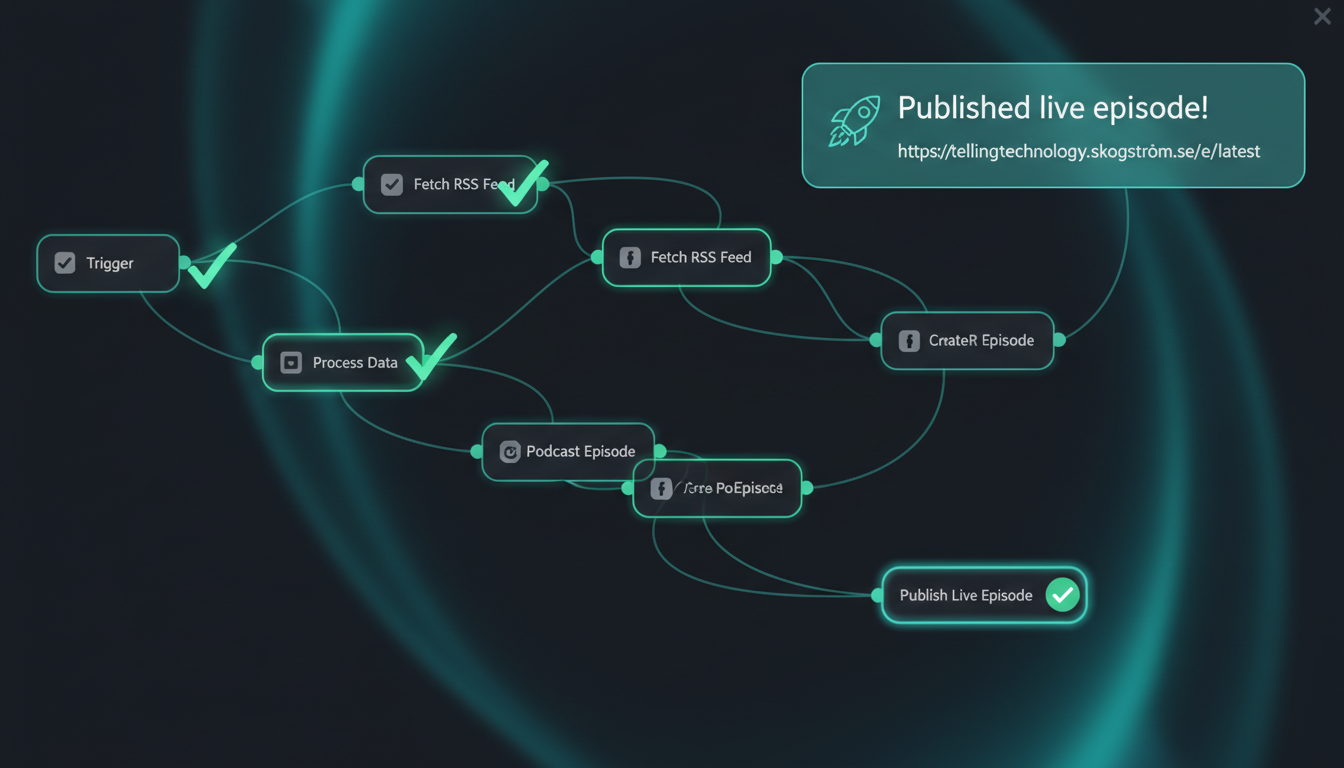
A client wanted to see how the automation actually works — not the pitch, the plumbing. So I described one real workflow out loud, and Claude wired the whole n8n pipeline that runs it, node by node, while they watched. Then we fired it: a draft episode went to a live URL in one click. The black box, opened.
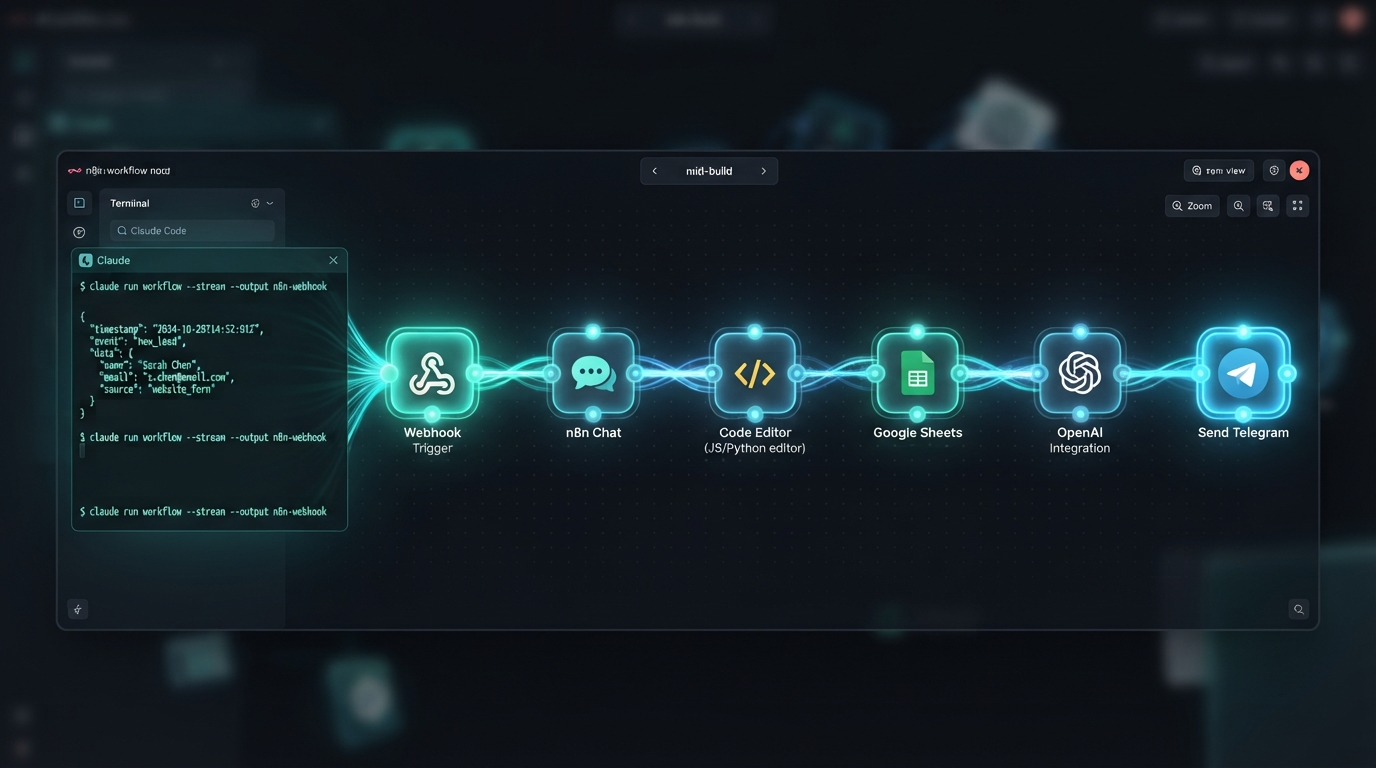
An n8n canvas filling with connected nodes — webhook trigger, build, commit, deploy, notify — as a Claude Code terminal feeds it generated workflow JSON, house aurora-teal style
⌁ wired live · 6 nodes · zero manual clicks
First the problem: n8n is a wall of nodes that means nothing until it runs
01 The problem · the black box

n8n looks like a wall of wires

Everyone selling AI automation runs into the same wall: the client wants it, but they can't see how the sausage gets made. An n8n canvas is a grid of boxes and lines that means nothing until it fires. So when a client asked me to actually show them how one of these flows works, I didn't open a slide deck — I opened an empty canvas and a Claude Code terminal, and built one in front of them.

over my shoulder — a client call
> can you actually show me how one of these AI automations works?
Better — I'll build one live. Pick a real job I do by hand and we'll wire it in n8n right now, node by node, no editing afterwards.
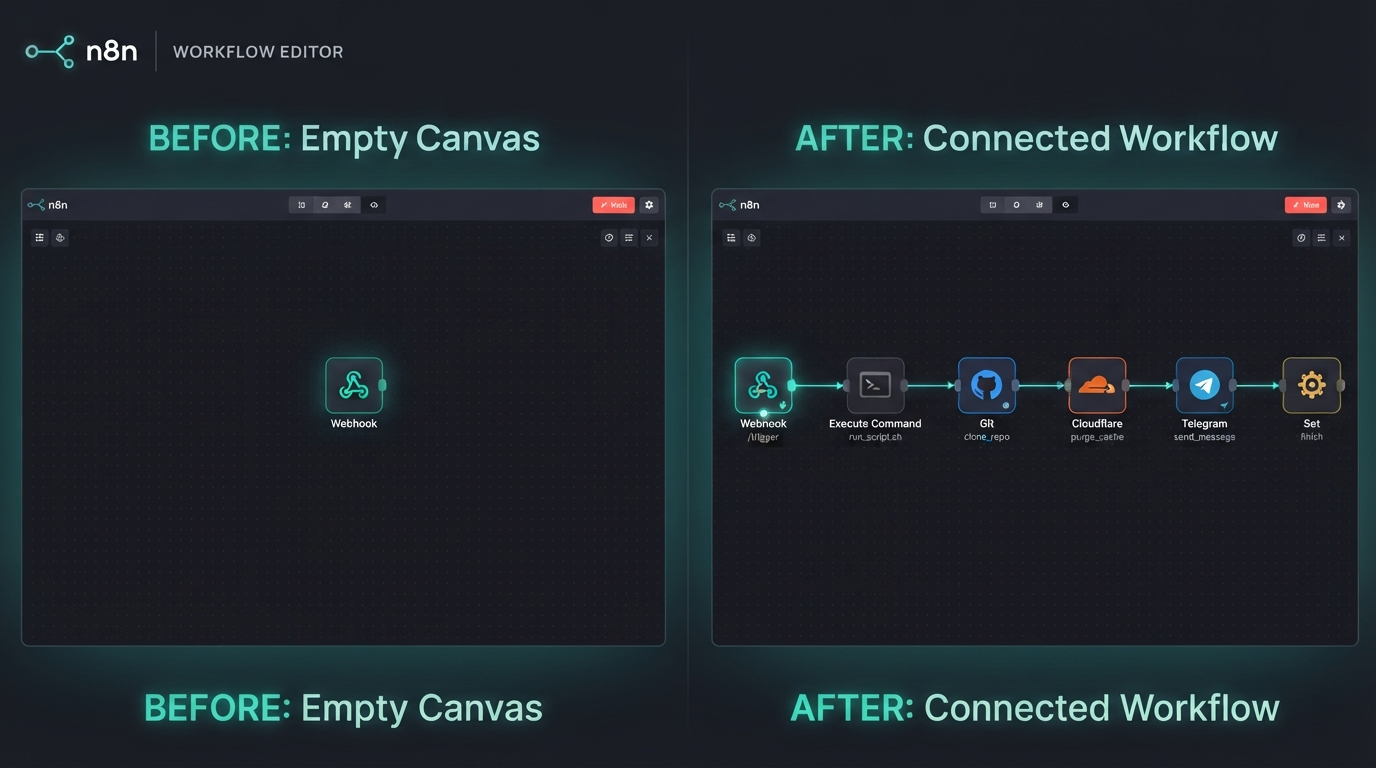
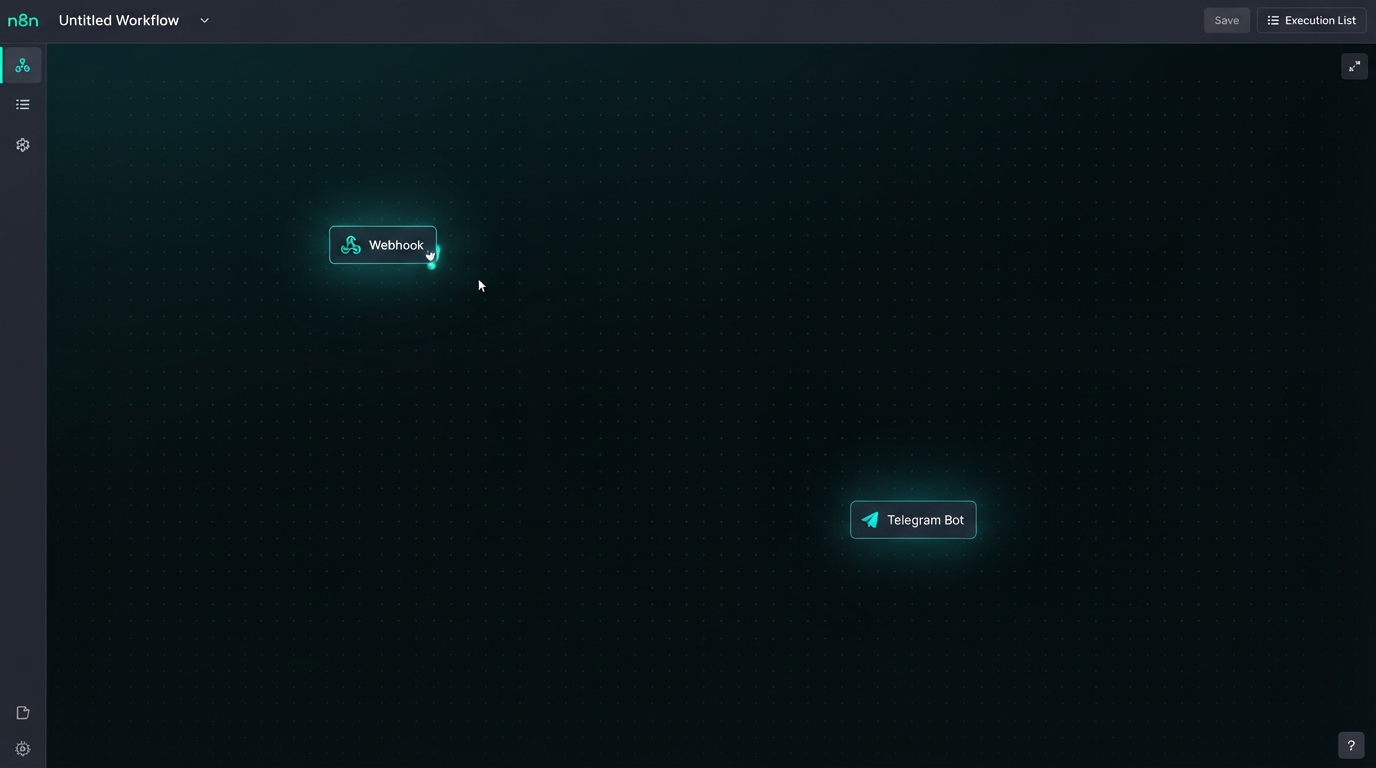
An empty, intimidating n8n canvas — a faint grid with a couple of disconnected nodes — captioned as the black box before it is wired
before
an empty canvas — the black box, still shut
02 The build · spec to nodes

I described it; Claude wired it

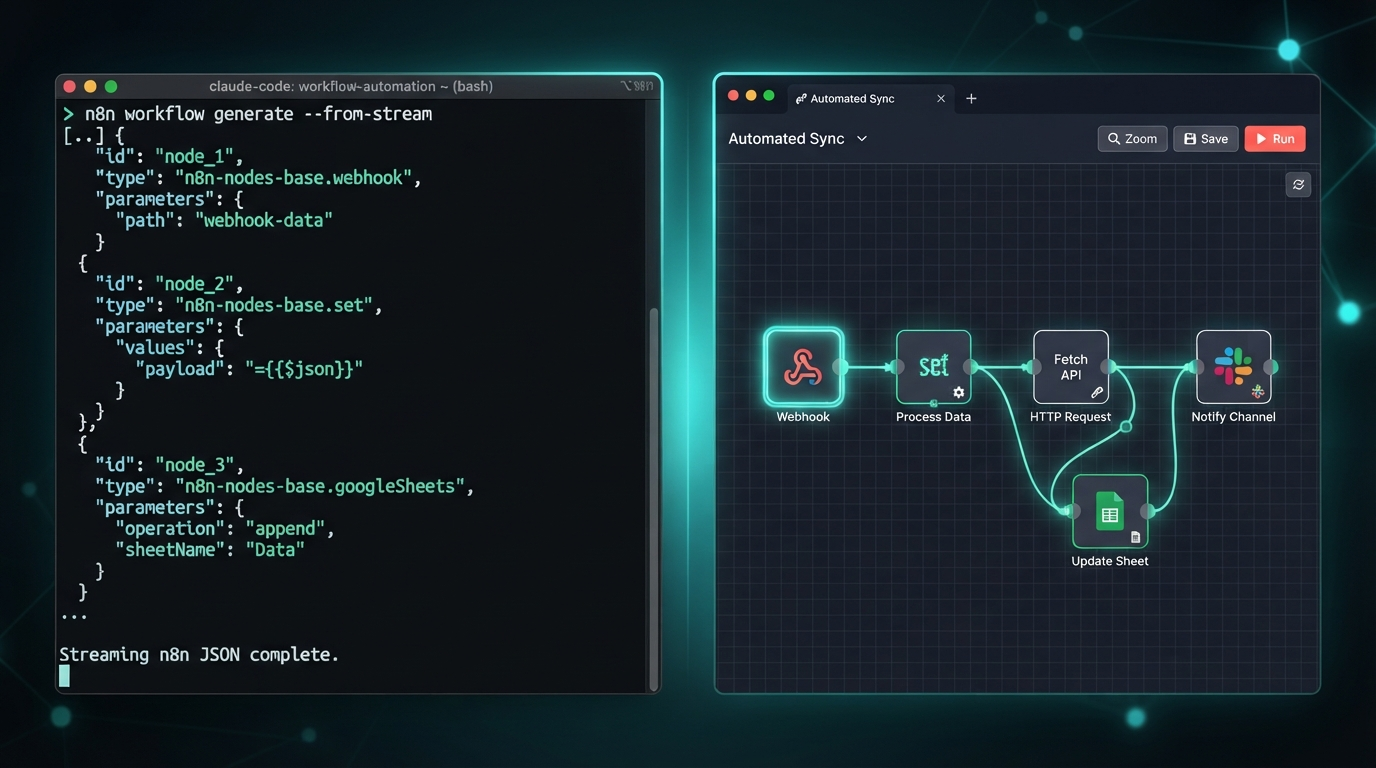
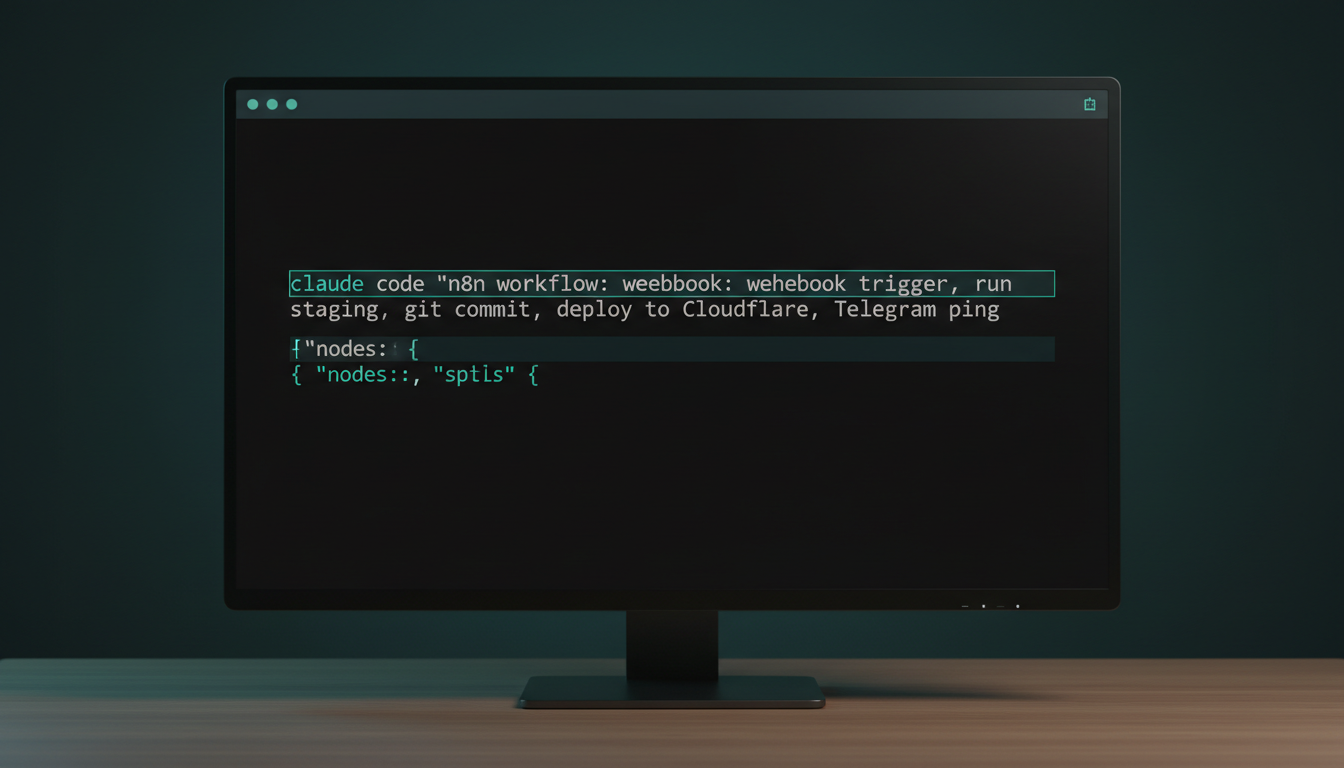
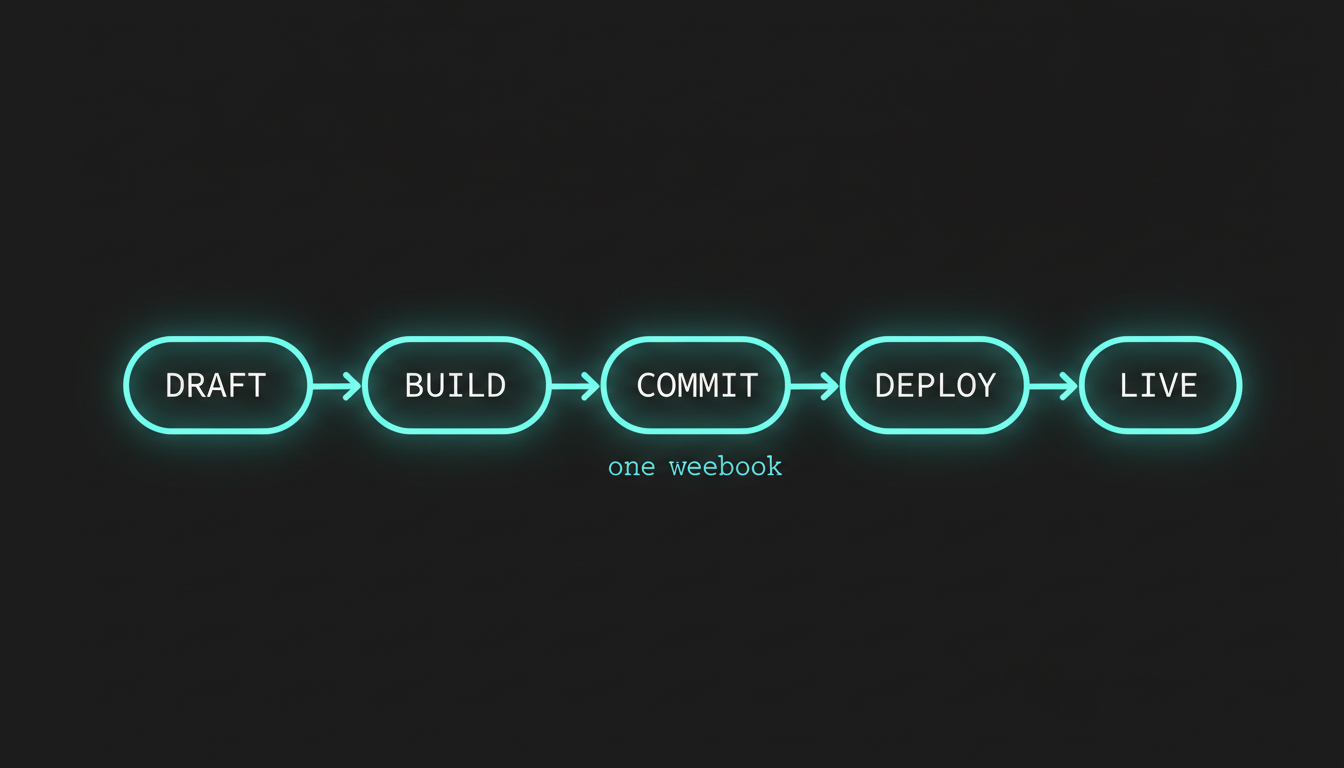
We picked a flow I really run: publish an episode to the showcase site. I described the steps out loud — webhook trigger → run the build script → git commit → deploy to Cloudflare → Telegram ping — and handed Claude the spec. It wrote the n8n workflow as importable JSON, node by node, naming each one and wiring the connections. I pasted it into a fresh canvas and the wall of wires drew itself.

claude code — desktop
> build me an n8n workflow JSON: webhook trigger → run build-staging.ps1 → git commit → deploy to Cloudflare Pages → Telegram ping. importable, one node per step.
Generated publish-episode.json — 6 nodes, fully connected: Webhook → Execute Command → Git → Cloudflare → Telegram, plus a Set node for the live URL. Import it straight into n8n.
Split screen: a Claude Code terminal streaming n8n workflow JSON on the left, the same nodes appearing connected on an n8n canvas on the right, house aurora-teal style
live
spec in, importable workflow JSON out — node by node
03 The honest part · it didn't import clean

The first import threw a credentials error

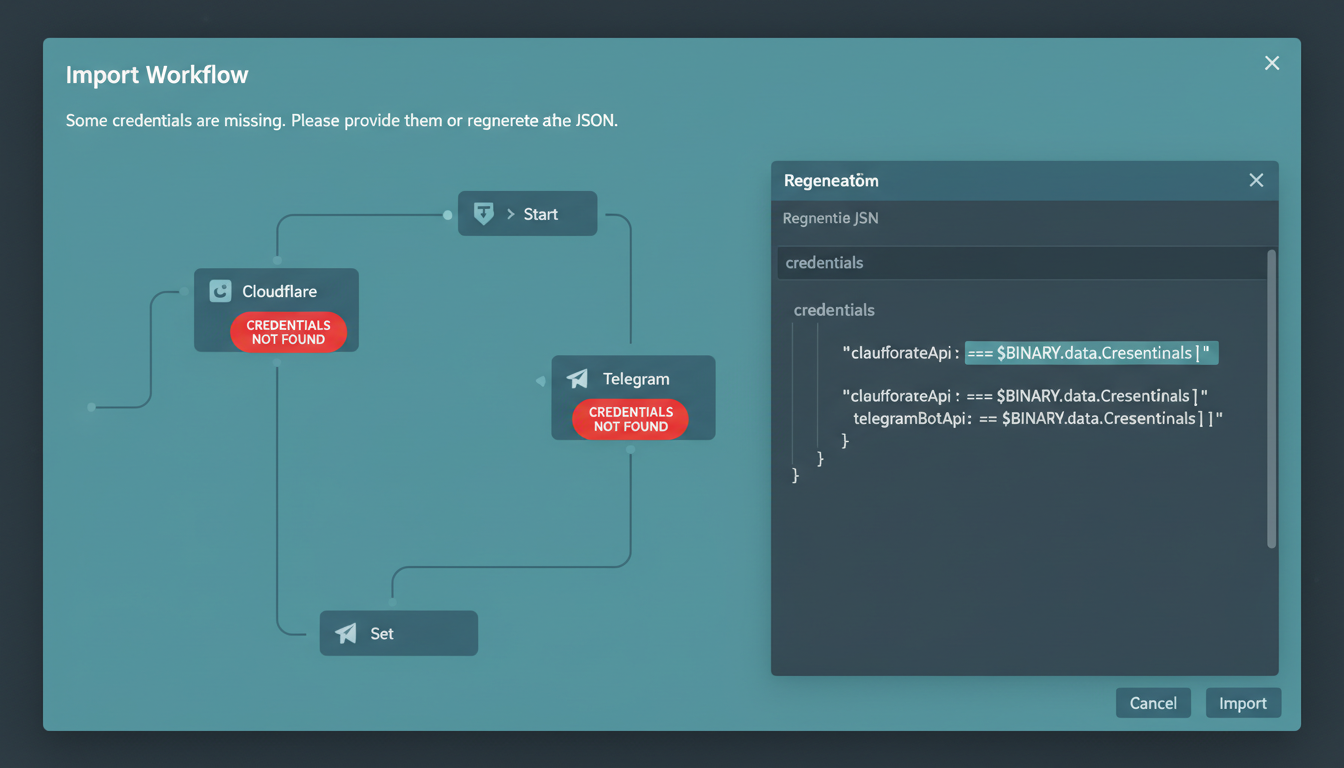
It wasn't magic on the first try, and pretending it was would be dishonest. The first paste lit up red: the Cloudflare and Telegram nodes pointed at credential IDs that didn't exist on my machine. Claude regenerated the JSON with named credential placeholders and a short note on exactly where to paste each secret. Second import: green across the board. The AI writes the wiring — you still plug in your own keys.

claude code — desktop
> n8n says "credentials not found" on the Cloudflare and Telegram nodes — fix the import
Right — the JSON referenced credential IDs from my box. Swapped them for named placeholders ("Cloudflare API", "Telegram Bot") so you wire your own under Credentials. Re-exported. Try the import again.
An n8n import dialog showing two red 'credentials not found' warnings on the Cloudflare and Telegram nodes, next to the regenerated JSON with named credential placeholders
the fix
red on import one → named placeholders → green on import two
⚠️

Generated JSON is a draft, not a deploy

Claude can wire the whole graph — node names, types, connections — but it can't hold your secrets. The honest version of "the AI built my workflow" is: it built the structure in seconds and saved me the fiddly part, then I spent two minutes pasting in my own Cloudflare and Telegram credentials. That split is exactly what makes it safe to show a client.

04 The receipts

Spec, before/after, and the trigger firing

Four moments from the live build: the spec I handed Claude, the empty-to-wired jump, the trigger firing, and the one-click map of the whole flow. Tap any image to enlarge it and read the exact prompt that drew it.

FIRED LIVE WHILE THE CLIENT WATCHED

Draft to live URL in one click

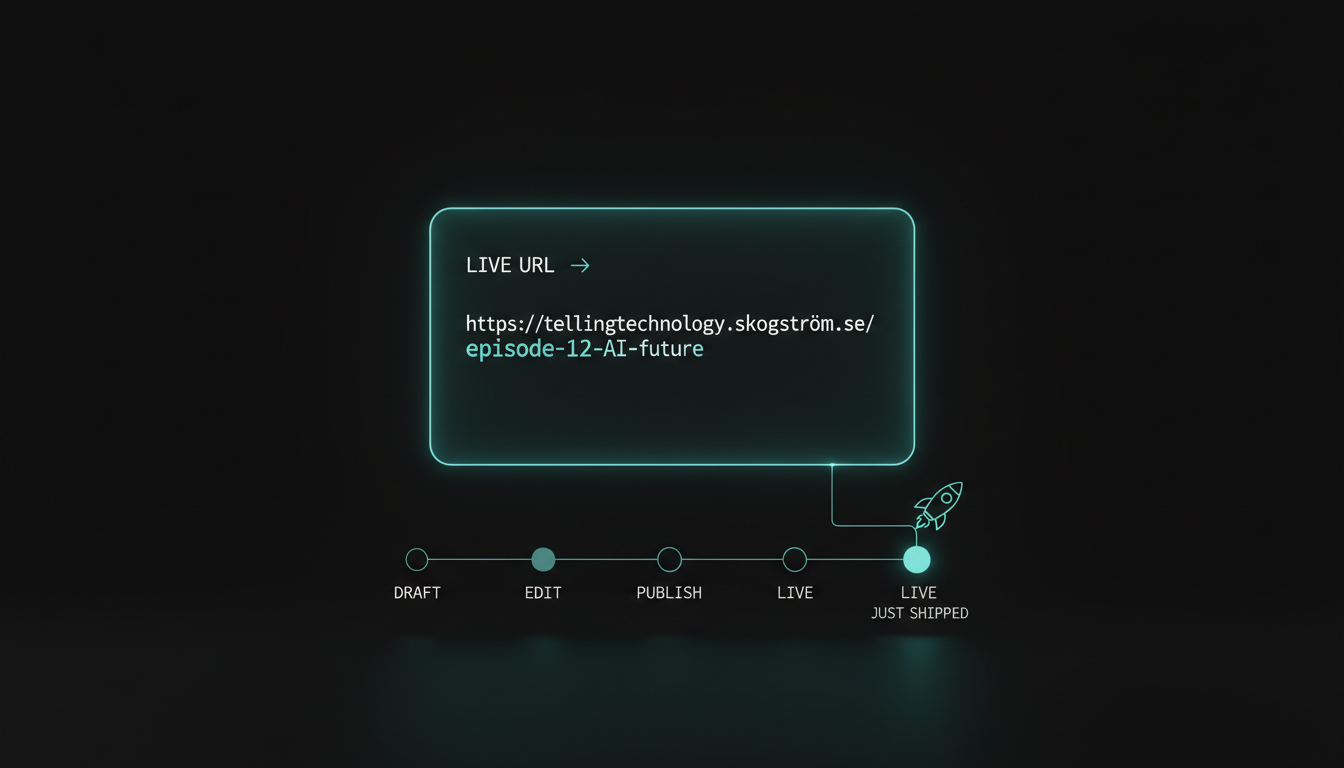
That's the whole payoff. I hit the trigger once; the workflow built the page, committed it, deployed it to Cloudflare, and pinged my phone — and a draft episode became a real, public URL in about forty seconds, zero manual steps. The client didn't see a pitch about automation. They watched the black box open and run.

A single live-URL card glowing teal — a freshly published episode address — above a one-line draft-to-live node flow, house aurora-teal style
one webhook · 6 nodes · ~40s to live
06 Steal this

Steal the workflow

The generated publish-episode.json with credential placeholders, the plain-English spec prompt that produced it, and the build script the workflow calls. Everything in this episode is free and open — clone it, import it, wire your own keys.

workflow publish-episode.json prompt spec → n8n JSON script build-staging.ps1 guide wire your credentials
run it gh repo clone jacobskogstrom/claude-n8n-publish ~/claude-n8n-publish && cd ~/claude-n8n-publish && cat README.md

No GitHub? Comment WIRE on the post and the bot DMs you the link.

Next episode

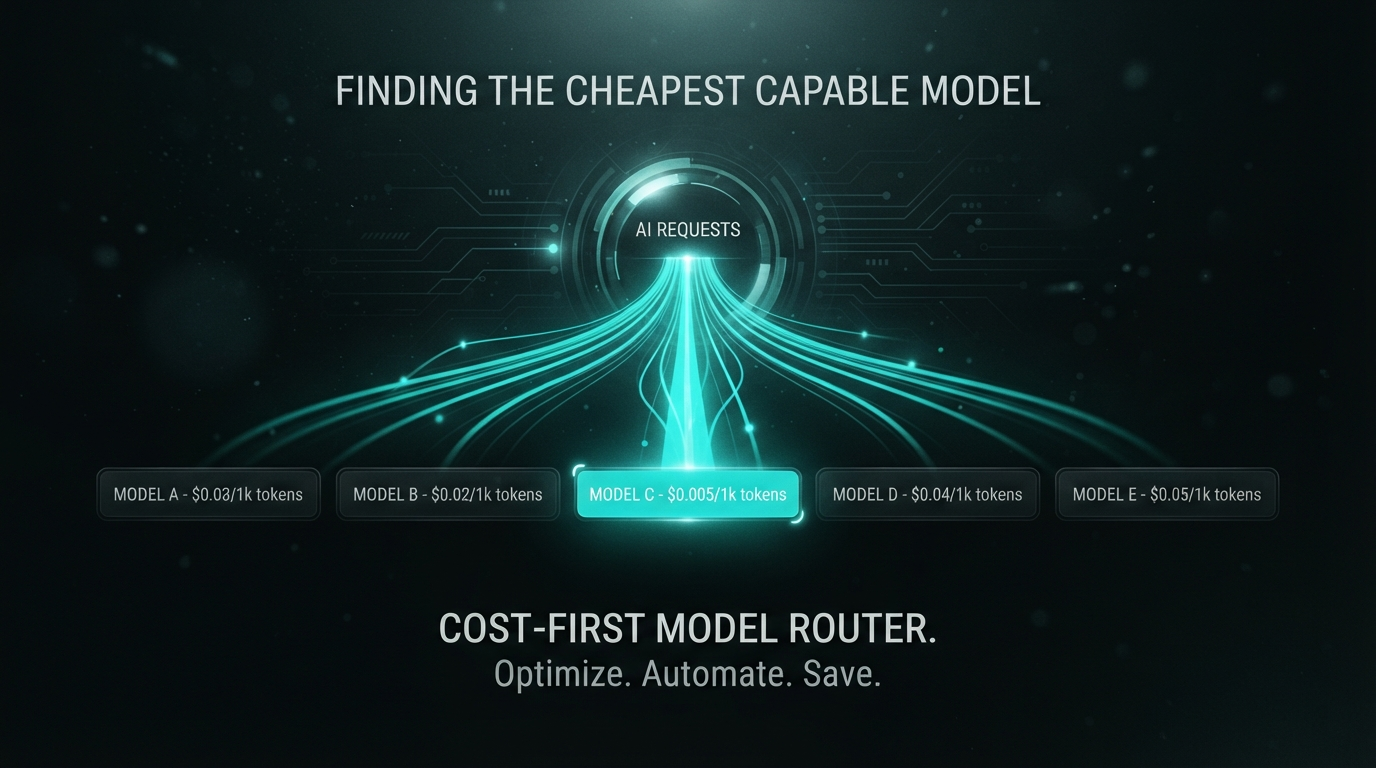
I made my AI shop for the cheapest brain that can do the job

Every AI call routed automatically to the cheapest model that can still pull it off — a cost-first OpenRouter router I had Claude build. Same answers, a fraction of the bill.

Darkened teaser — AI requests fanning out to a row of model price tags, the cheapest capable one lighting up teal
drops next · follow @bitesizeai so you don't miss it