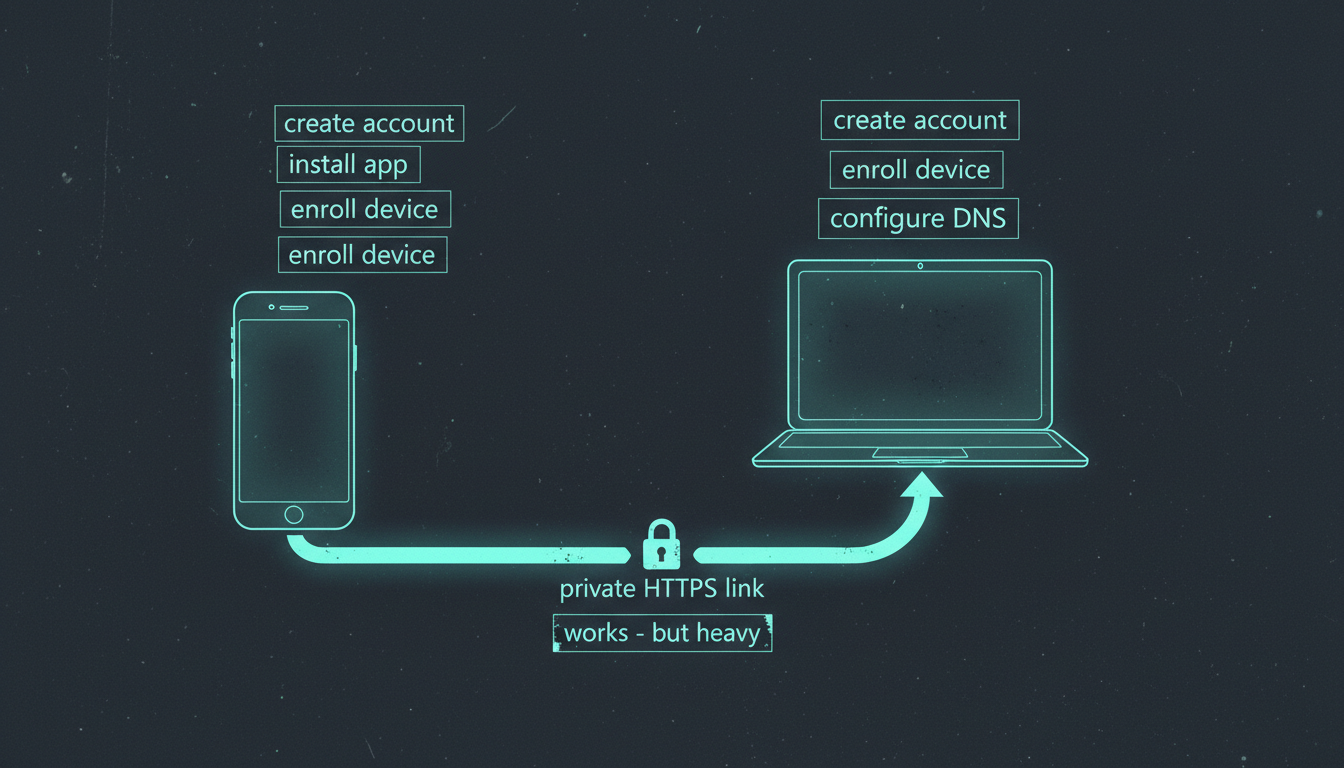
My phone voice AI needs a trusted HTTPS URL or the browser won't hand it the microphone. I was solving that with Tailscale — an account, a device to enroll, DNS to point. Then I found cloudflared quick tunnels: no account, one command, and a live *.trycloudflare.com URL with a real trusted certificate in seconds. I wrapped it in a 20-line script and pulled Tailscale out of the loop.
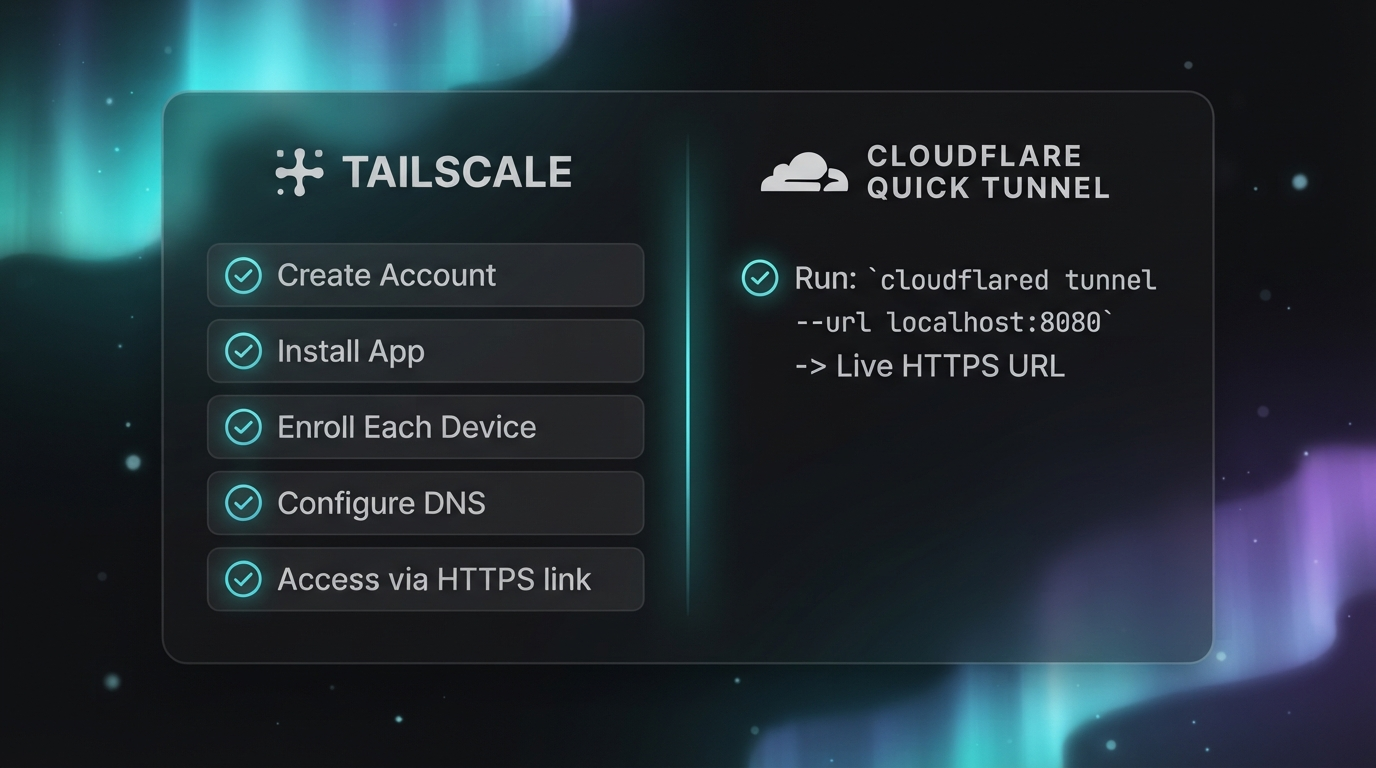
Last episode I put a voice assistant on my phone: tap to talk, it routes the question, it talks back. The catch nobody mentions: a browser will only hand a page the microphone over HTTPS with a trusted certificate. My voice server runs on localhost with no cert, so on the phone the mic button was dead. My fix was Tailscale — it gave me a stable private address with HTTPS, and it worked. But it's heavy: an account, the app installed and enrolled on every device, and a fresh machine means re-auth, re-enroll, re-configure before the phone can hear a thing.
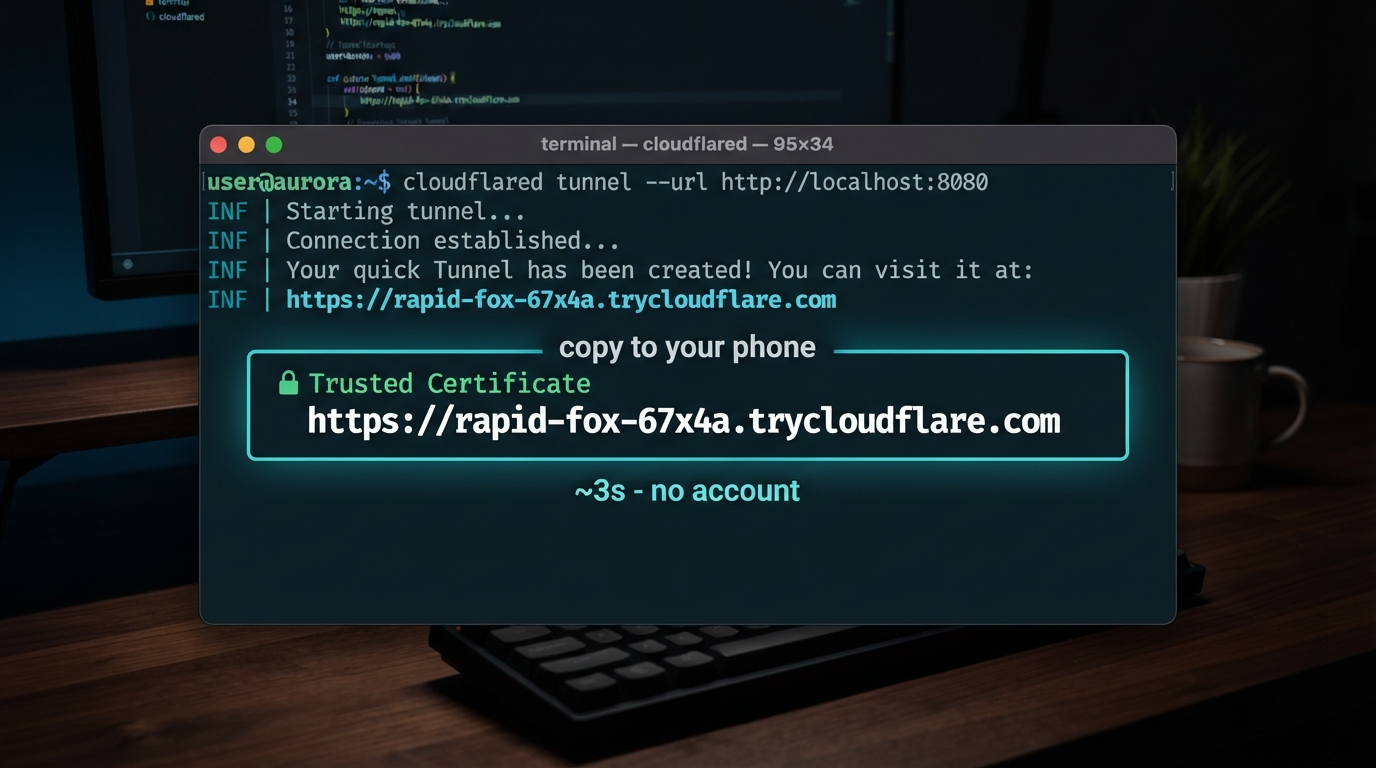
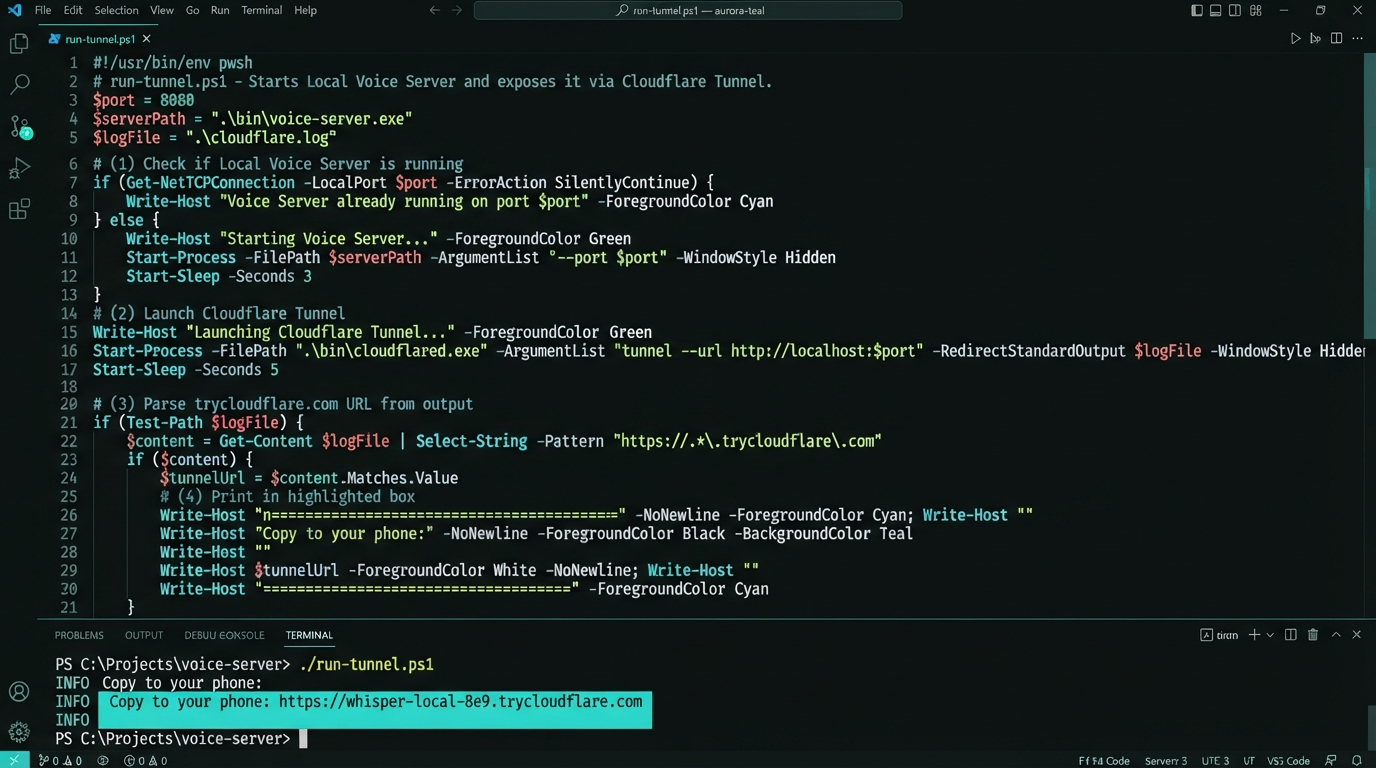
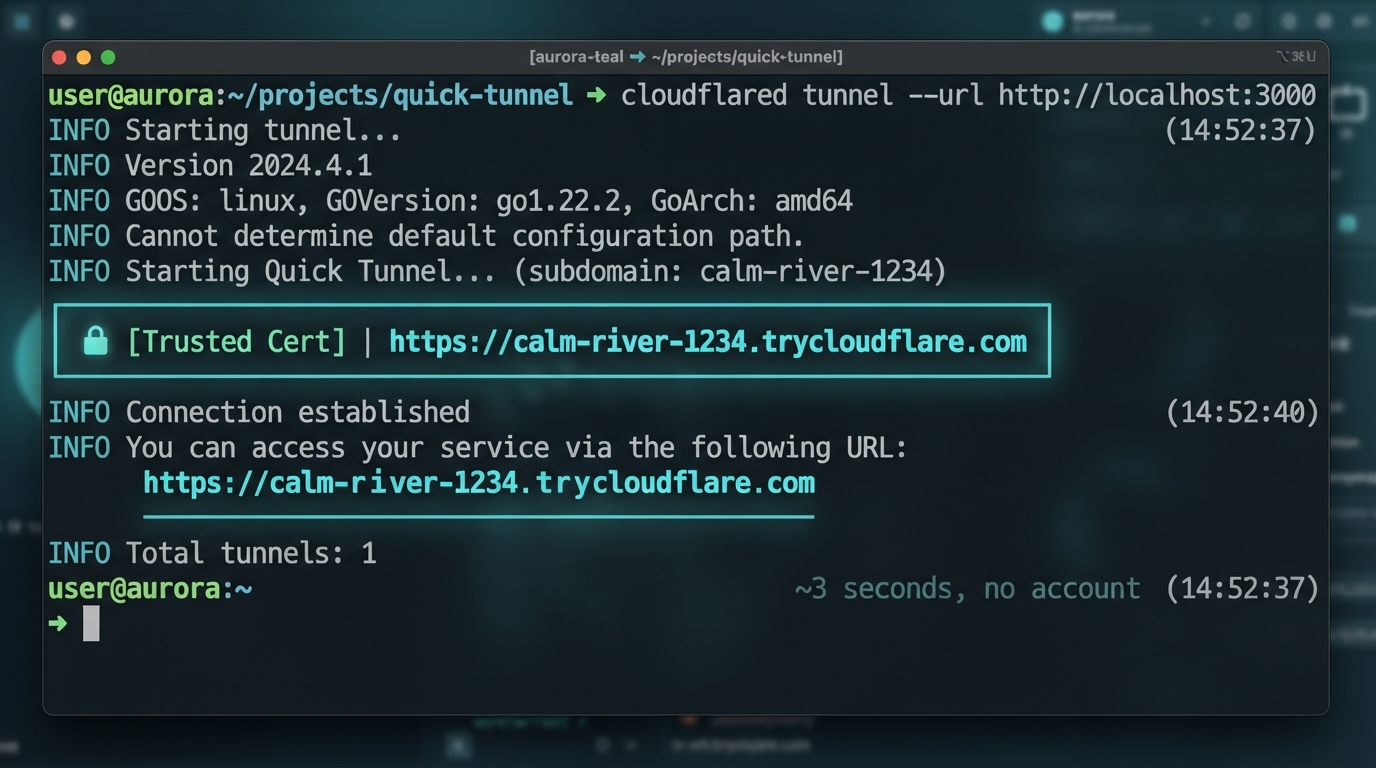
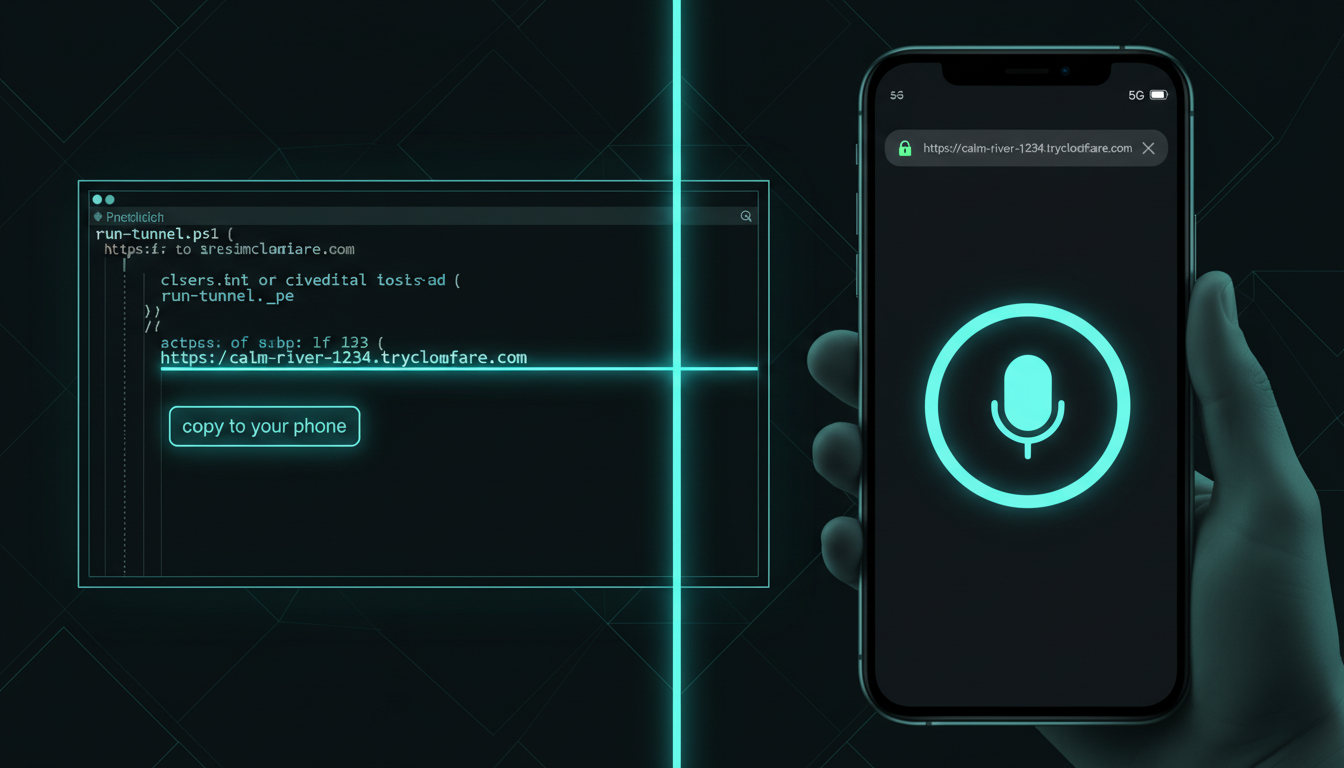
A Cloudflare quick tunnel needs no account and no DNS. You run cloudflared tunnel --url http://localhost:8080 and it hands back a *.trycloudflare.com address — a real, browser-trusted HTTPS endpoint forwarding straight to your local port, live in a couple of seconds. I'd already folded the voice UI and the WebSocket onto one port (UI on /, socket on /ws), so one tunnel URL covers the whole app. Then I wrapped the command in run-tunnel.ps1 — it starts the tunnel and prints a fat "copy this URL to your phone" line, so there's no hunting through log output.
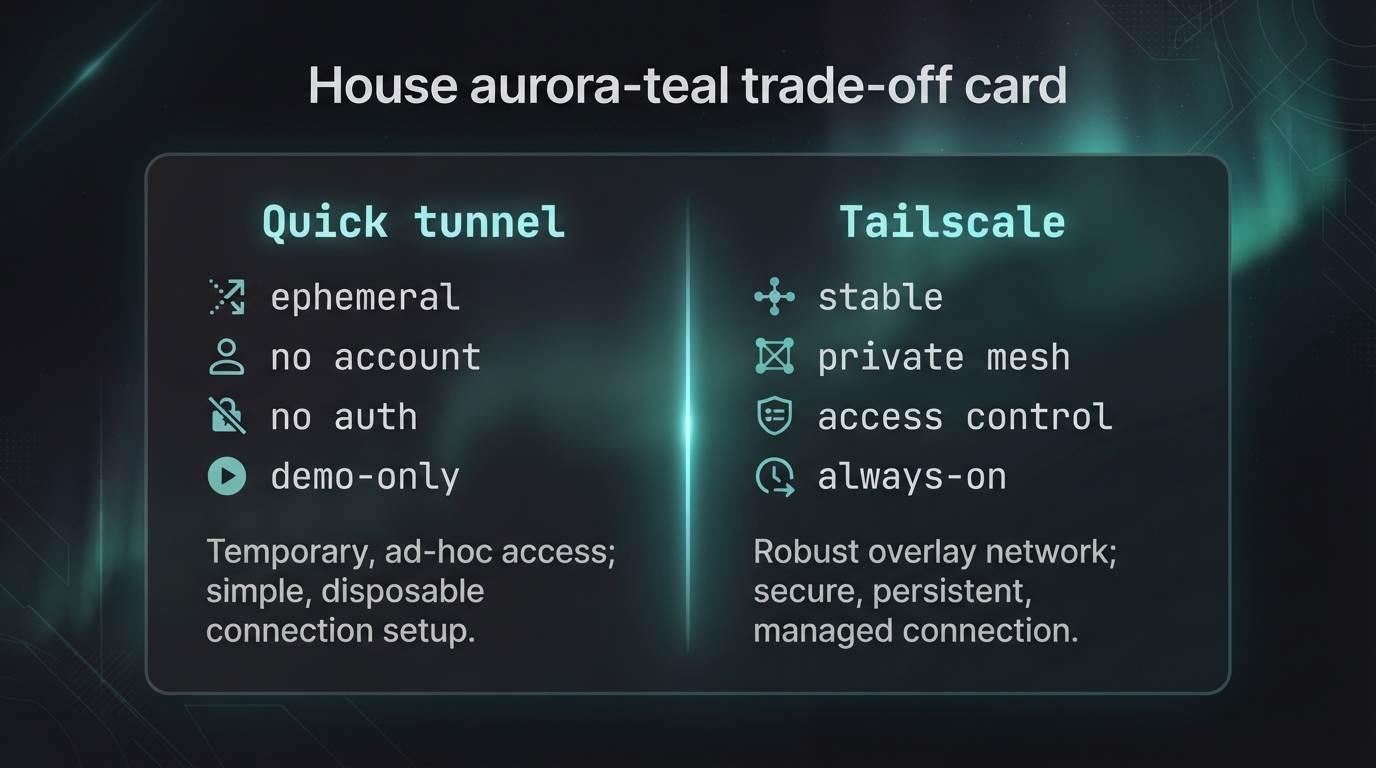
A quick tunnel is deliberately disposable. The URL is random and temporary: close the window and it's gone, run it again and you get a different one. There's no auth in front of it — while it's up, anyone who has that link can reach your local server, so it's a demo/dev tool, not a way to publish a service to the world. And it's rate-limited and offers no uptime promise. For this use case that's perfect: I want a link that forgets me the moment I close the laptop. But if you need a stable address, a private mesh between your own machines, or real access control, that's exactly where Tailscale still earns its keep — I kept it installed as the heavyweight option, I just stopped reaching for it first.
The *.trycloudflare.com URL has no password in front of it. Anyone holding the link can reach your local server until you Ctrl-C. Fine for a quick phone demo on a non-sensitive dev server; do not point one at anything with private data and walk away. Close the window when you're done — the URL dies with it.
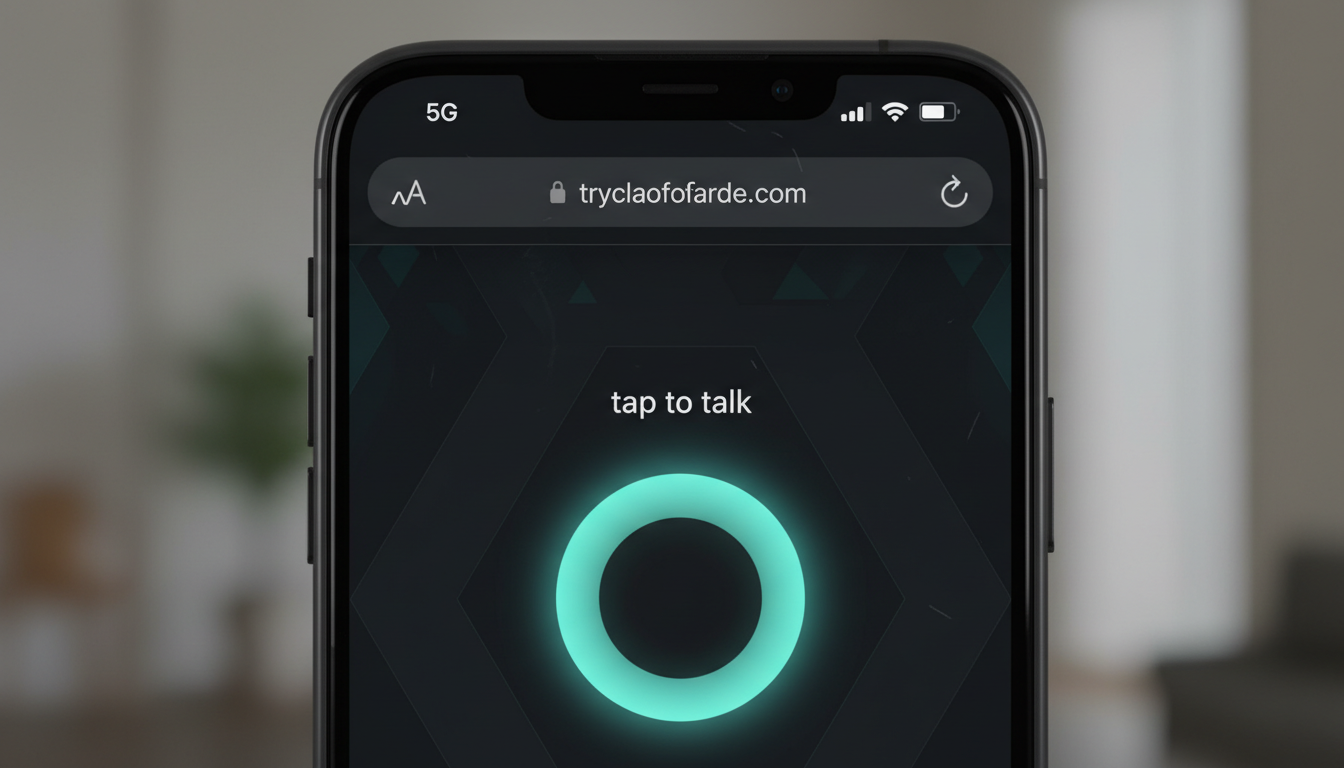
Four pieces of the swap: the whole run-tunnel.ps1 on one screen, the moment the trusted URL appears, the phone loading the voice UI on cellular (no Wi-Fi, no VPN), and a plain side-by-side of everything Tailscale asked for versus the single Cloudflare command. Tap any image to enlarge it and read the exact prompt that drew it.


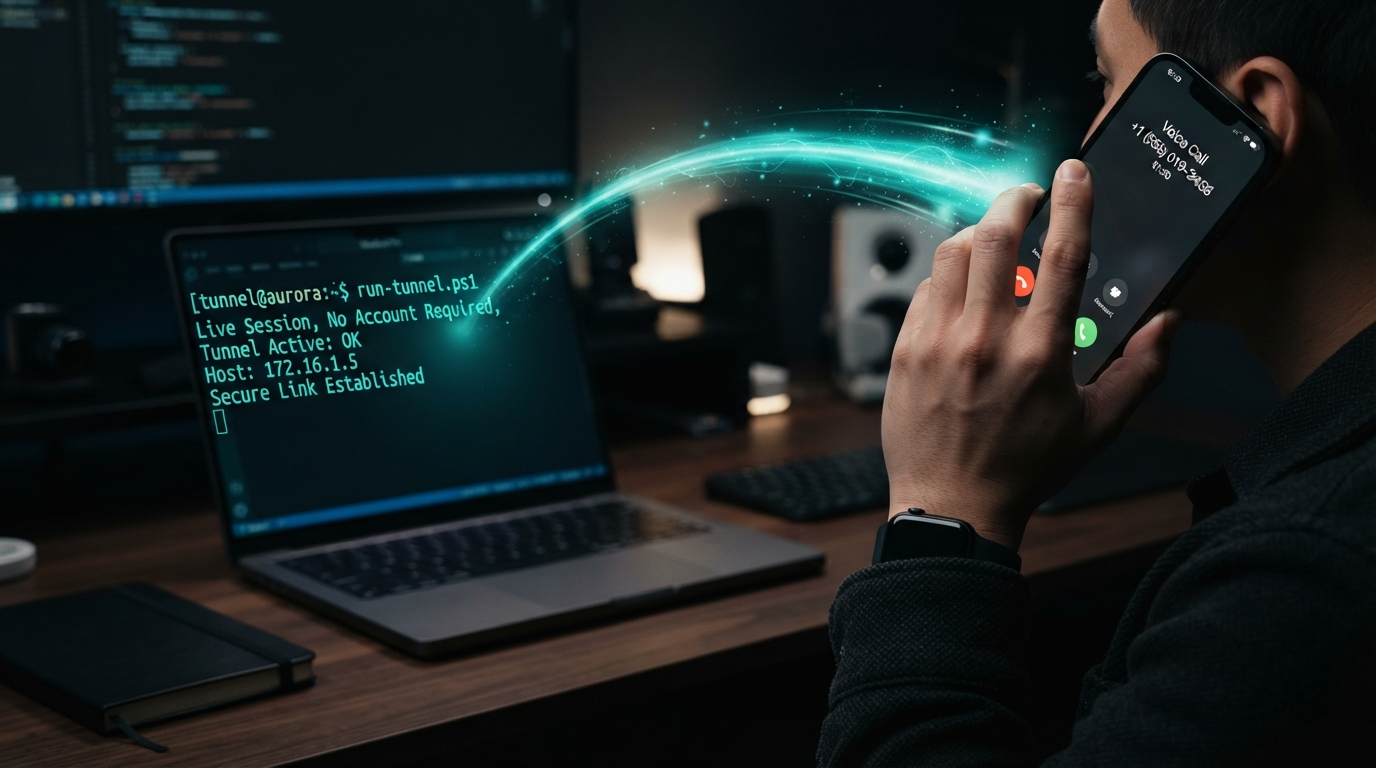
This is the whole point. I run one script, a trusted HTTPS URL appears, I open it on my phone over plain mobile data, and the voice AI just works — mic and all. No app to install on the phone, no account to log into, nothing enrolled. When I close the laptop the URL evaporates and leaves no trace. The simpler solution was one flag away the whole time — sometimes the best infrastructure is the kind that forgets you the moment you walk away.
Sixty seconds: why the phone mic stays dead on plain HTTP, the Tailscale setup I was carrying, the one cloudflared line that replaces it, the honest catch on throwaway URLs — then the payoff, a voice AI live on cellular over a link that didn't exist three seconds earlier.
The run-tunnel.ps1 wrapper (start a local server, open a cloudflared quick tunnel, print the URL in a copy-to-phone box), the single-port pattern that puts your UI and WebSocket behind one tunnel, and the cloudflared install one-liner. Everything in this episode is free and open — clone it, run it, make it yours.
winget install Cloudflare.cloudflared; cloudflared tunnel --url http://localhost:8080
No GitHub? Comment TUNNEL on the post and the bot DMs you the link.
This tunnel is one wire in a much bigger machine. Next: the AIOS architecture infographic — every tool in my AI operating system, 20-plus of them with real brand logos, mapped as a single live web page and served as the dashboard banner. One picture of the entire stack the voice AI lives inside.