Telling Technology · Learning in public
All episodes
EP.144 - THREE DOORS
A Claude Code workflow · one command, one word, a sign-in on every page

Three doors, one word: how my AI pages reach only the right people

Claude Code makes me a page in minutes. Then sharing it used to take longer than building it. Now I run one command and choose one word: internal, client or public. Each word is a door with its own sign-in. In three days I published eleven times that way.
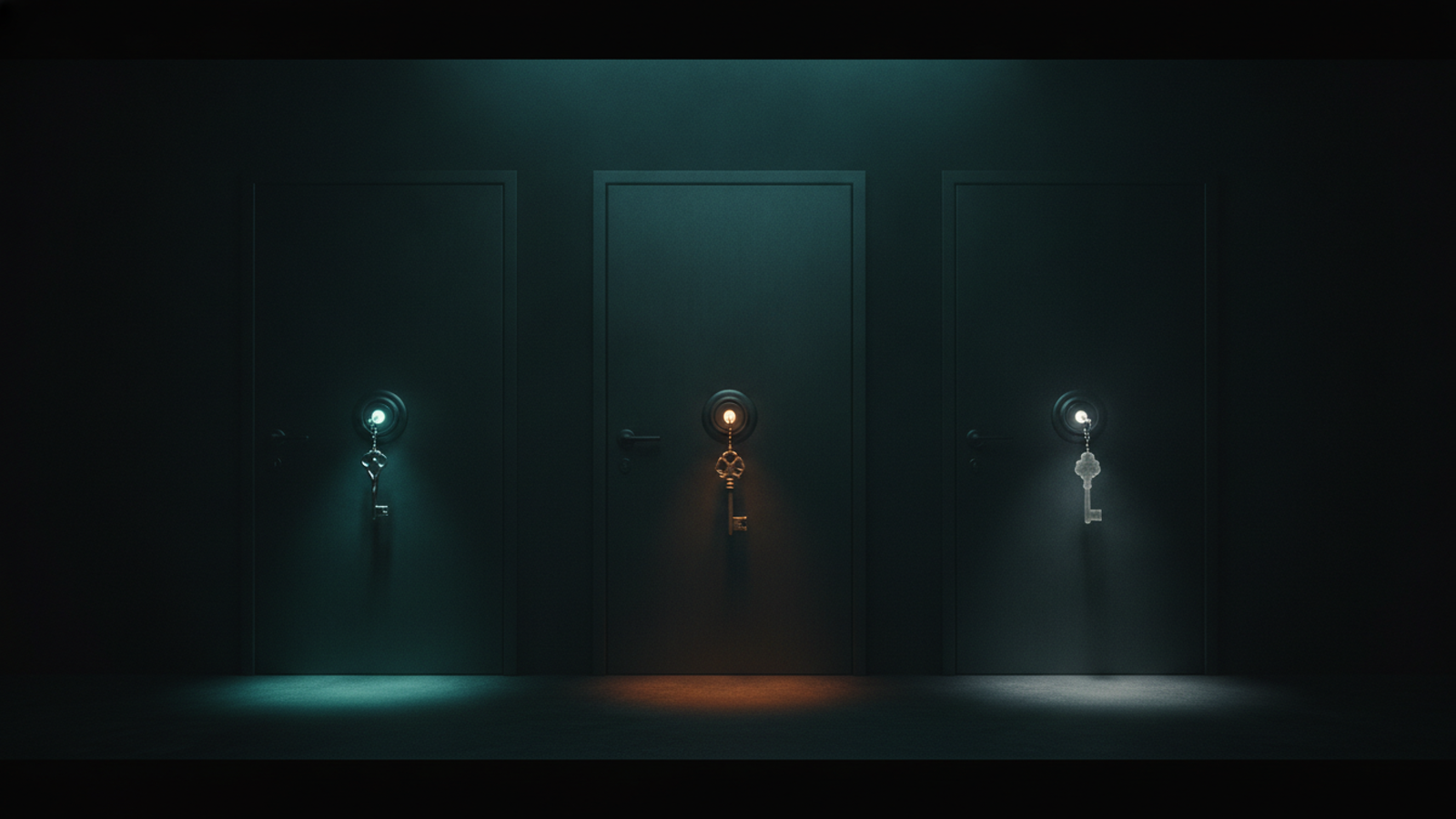
A dark corridor with three doors in a row, each with a different glowing lock: teal, amber and pale grey
● 11 publishes · 3 days · 3 doors · 1 command
what if sharing a page were part of finishing it?
01 The problem

The page takes minutes. Sharing it took longer

Most of what I make with Claude Code ends up as a single HTML page: a plan, a comparison, a report, a list. Building one takes a few minutes. Then the slow part starts. An email attachment opens badly on a phone and goes stale the moment I change anything. A public link is fine for an episode like this one, but not for a client’s numbers or my own drafts. A password page is a shared secret, and shared secrets leak. Setting up a real login by hand, for every page and every person, is a job of its own. So the question was not how to host a page. It was how to hand someone a link that opens for them and nobody else, without doing hosting work every time.

claude code - reconstructed, not a real session
> this page is for client A only. Share it so they can open it and nobody else can. On their phone too.
Publishing to the client door. It sits behind a sign-in, and only the addresses on client A’s list get through. I’ll check the link answers before I hand it over.
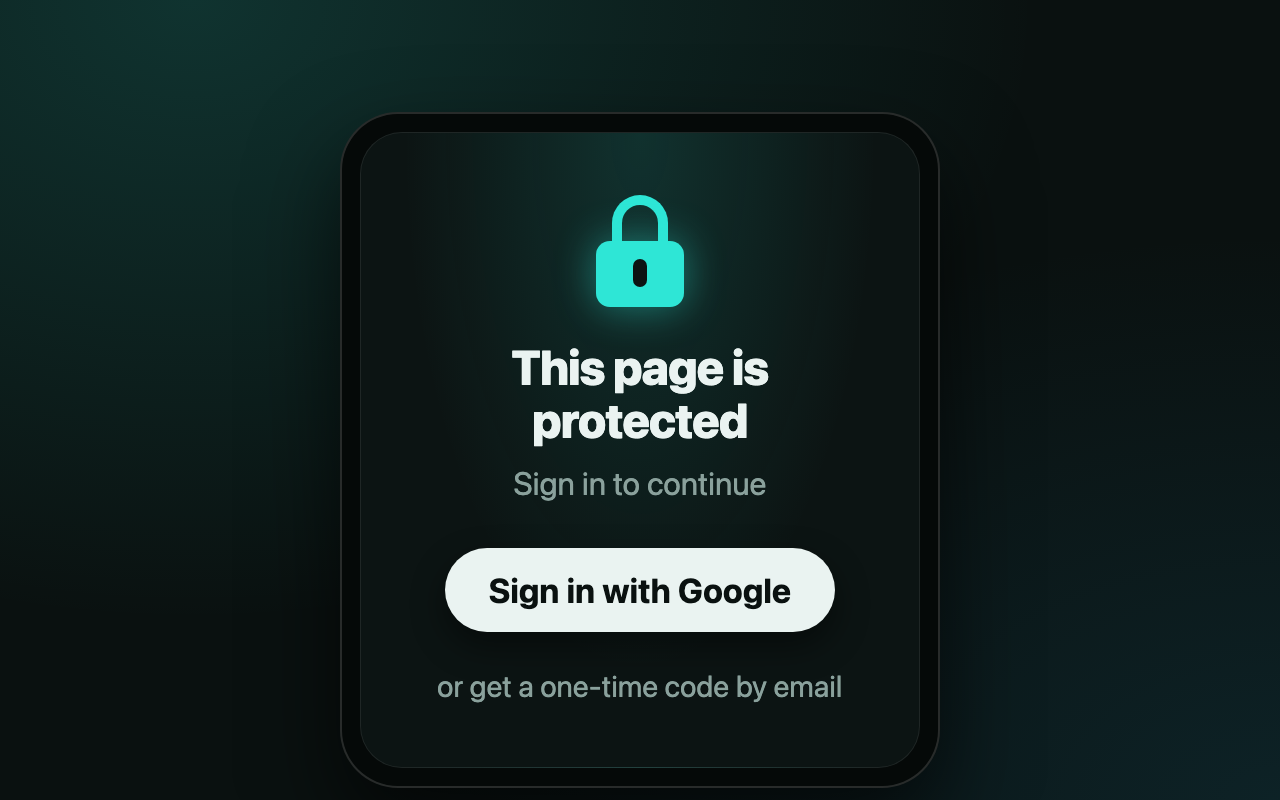
A mockup of the sign-in wall a recipient sees: a dark card that says the page is protected, with one Sign in with Google button
link → sign-in → page
what the recipient sees first (mockup, not the real screen)
02 The shape

One share repo, one command, one folder per door

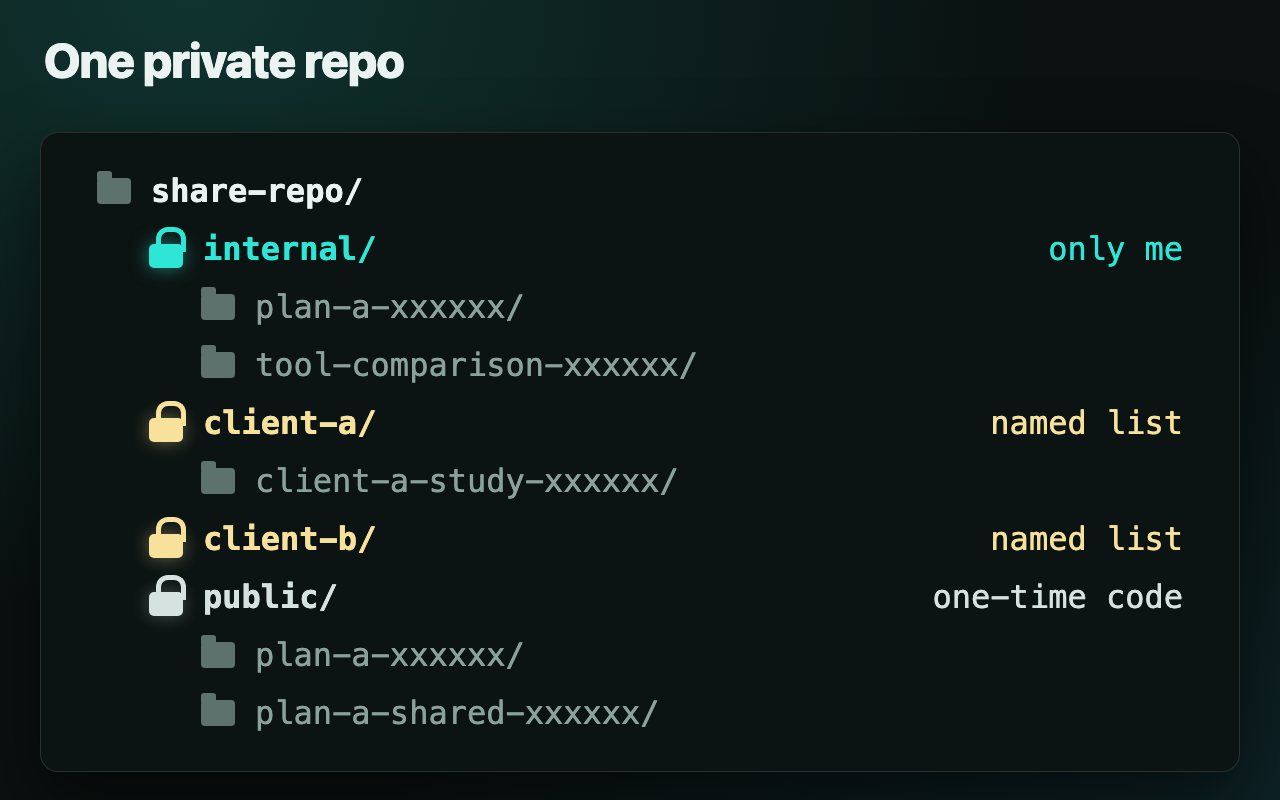
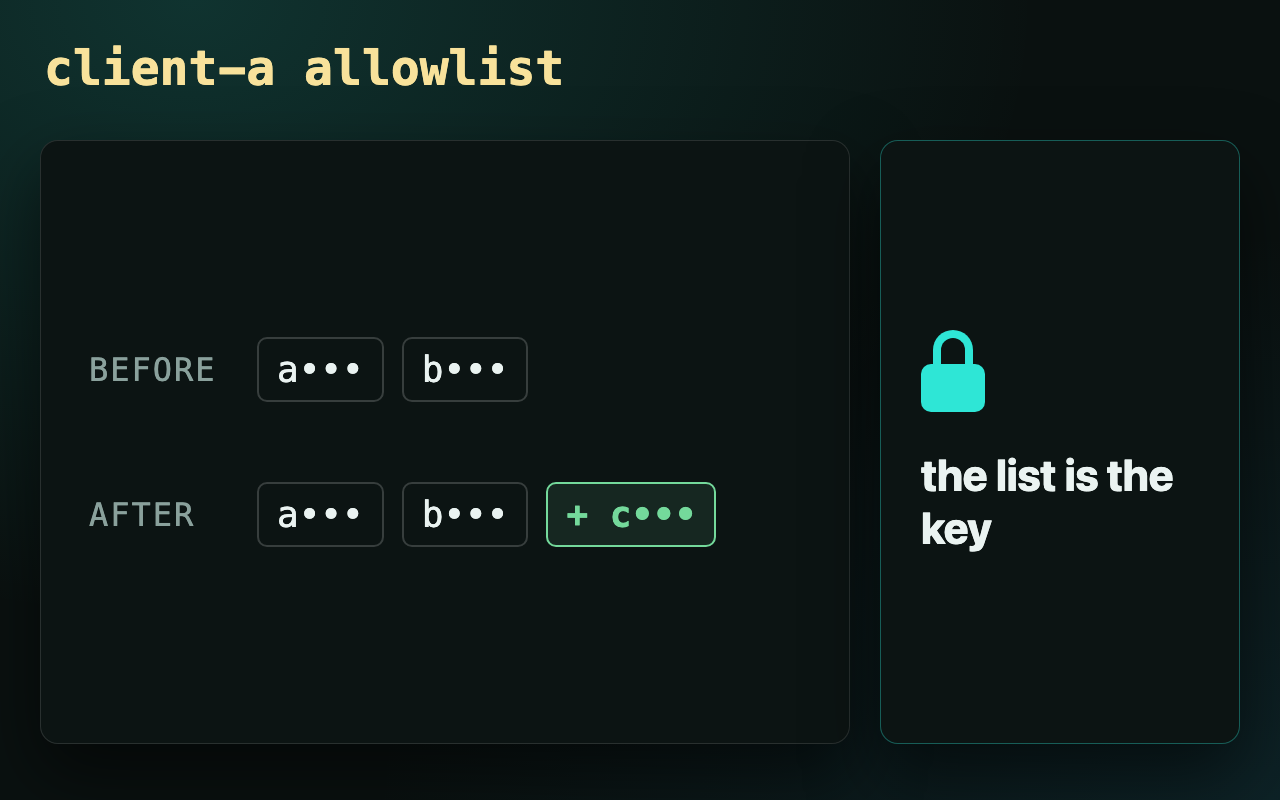
Behind it is one private repo and one command. In Claude Code I type /pl with a file and a word (or /pli, which always means internal). The publish script copies the page into the folder that matches the word, adds a short random suffix so the address cannot be guessed, commits and pushes. The share site rebuilds from that repo by itself. Each folder is guarded by its own Cloudflare Access rule, so before a single byte of the page is served, the visitor has to sign in. On internal and client doors their address is checked against that folder’s list; public admits any address that receives the code. The three doors: internal is mine, for drafts and plans. Each client has a folder named after them, with a Google sign-in and a list of named people. Public is for the one-off reader I have no Google address for: they get a one-time code by email instead. Every page gets the same address shape: the share site, the door, the page name, the suffix.

claude code - reconstructed, not a real session
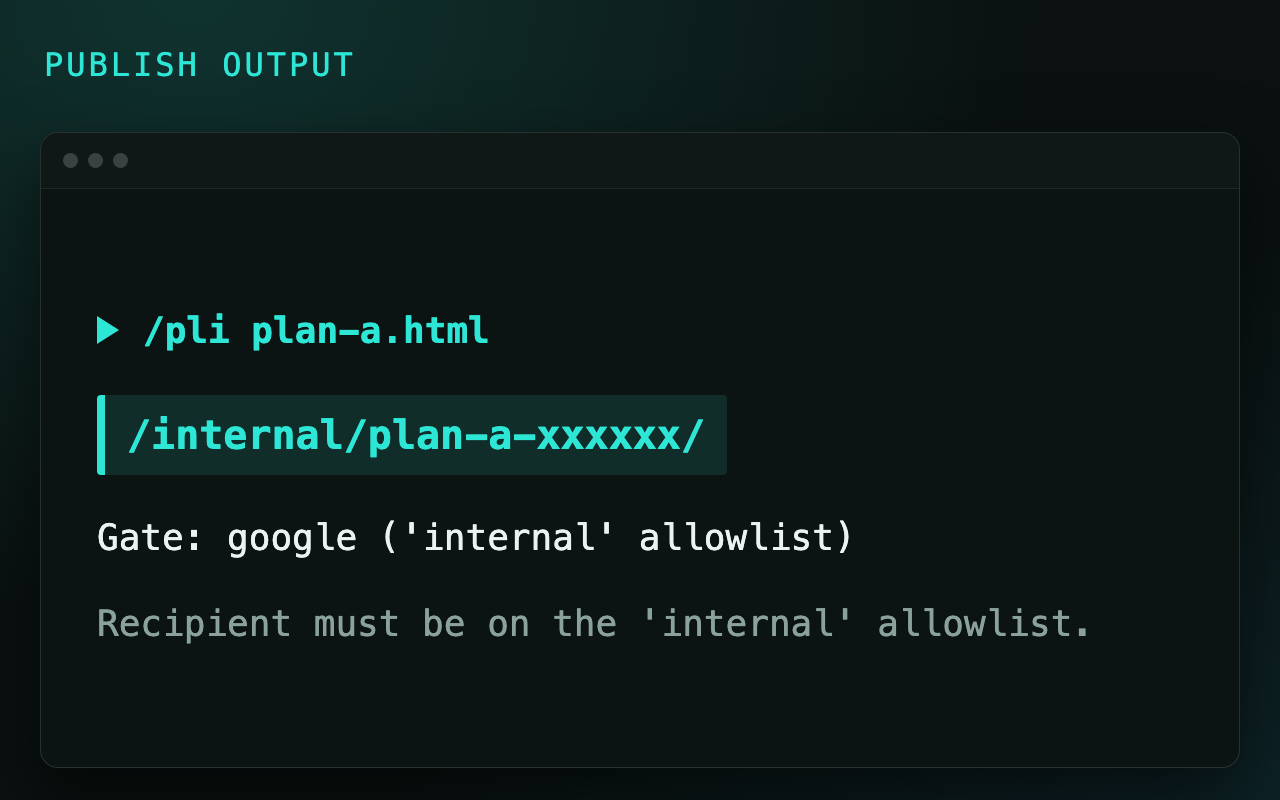
> /pli plan-a.html
Published to internal. Gate: Google sign-in, ‘internal’ allowlist. Link: /internal/plan-a-…/. Only addresses on the internal list will see it.
A folder tree of the share repo, each top folder with a small coloured lock: internal holds plan-a and tool-comparison, client-a holds one study folder, client-b is empty, public holds plan-a and plan-a-shared
internal · client · public
one folder per door (names made generic)
03 Three days of use

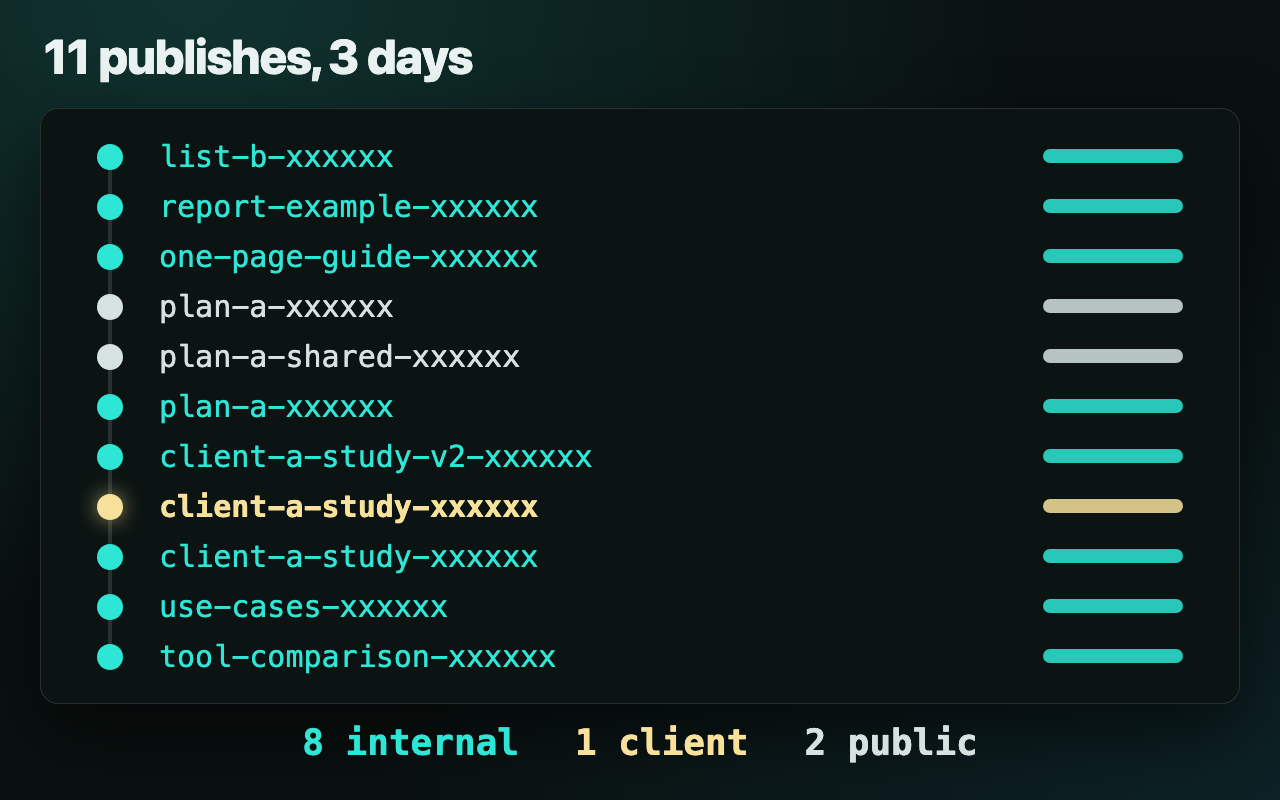
Eleven publishes, and two pages that changed doors

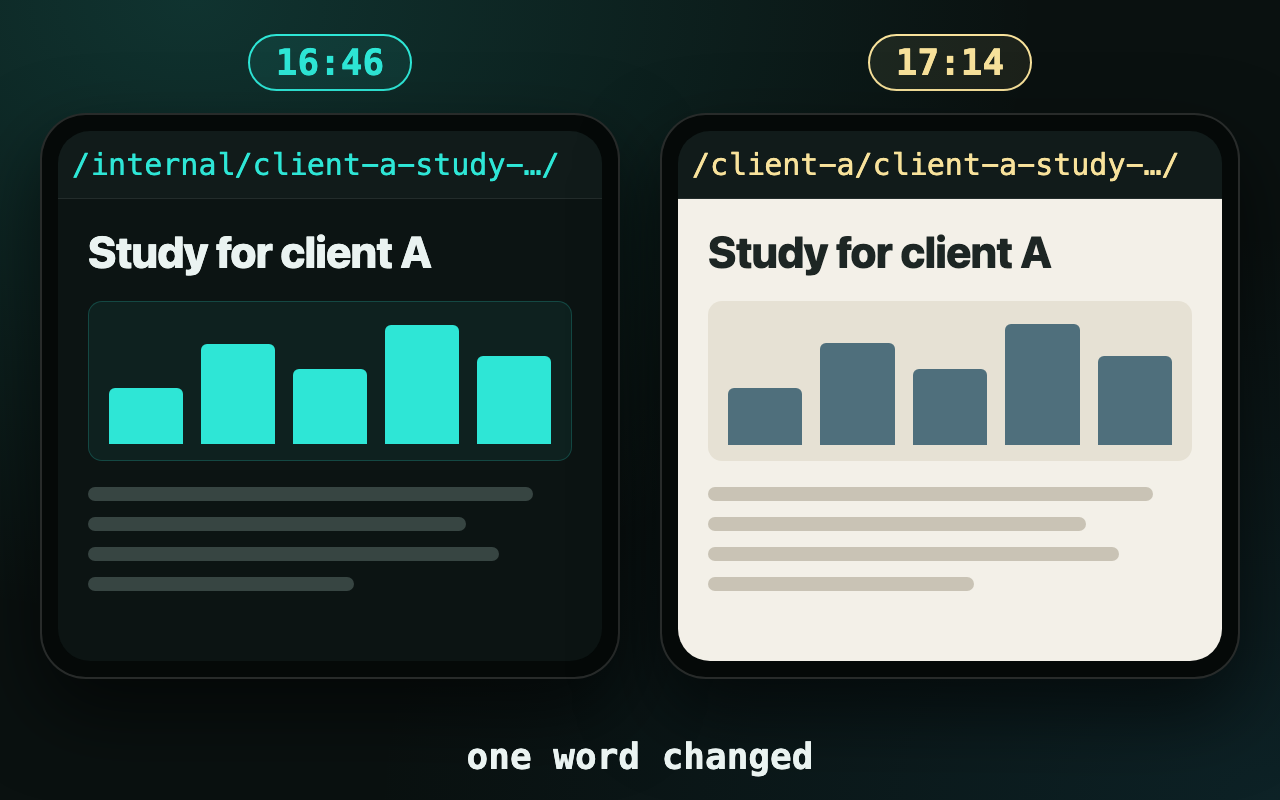
Between 5 and 7 November the share repo got eleven publish commits: eight through the internal door, one through a client door, two through the public door. The pages were ordinary work: three copies of a plan, a tool comparison, a list of use cases, three publishes of a study for client A, a one-page guide, a report example and a private list. Two of them show what the word is for. The study for client A went out through the internal door at 16:46. At 17:14 the same page went out through the client door, with the same command and one word changed. The next morning I put a second version next to the first on the client’s link, under tabs. Fifty minutes later I moved that tabbed version to my internal link and put the client’s page back the way they had first seen it. The client’s link never changed address while that happened.

claude code - reconstructed, not a real session
> put v1 and v2 of the study on the same link as tabs. Actually no, not on the client’s link yet. Keep v2 on mine.
Moved the tabbed v1 + v2 to your internal link and restored the client’s page to the original single version. Same addresses on both sides, nothing new to send.
A terminal showing the publish output of /pli plan-a.html: a link under the internal folder, /internal/plan-a-xxxxxx/, the line Gate google with the internal allowlist, and a note that the recipient must be on that list
8 internal · 1 client · 2 public
the publish output, domain and suffix replaced (mockup)
⚠️

Deleting a page is not quite unpublishing it

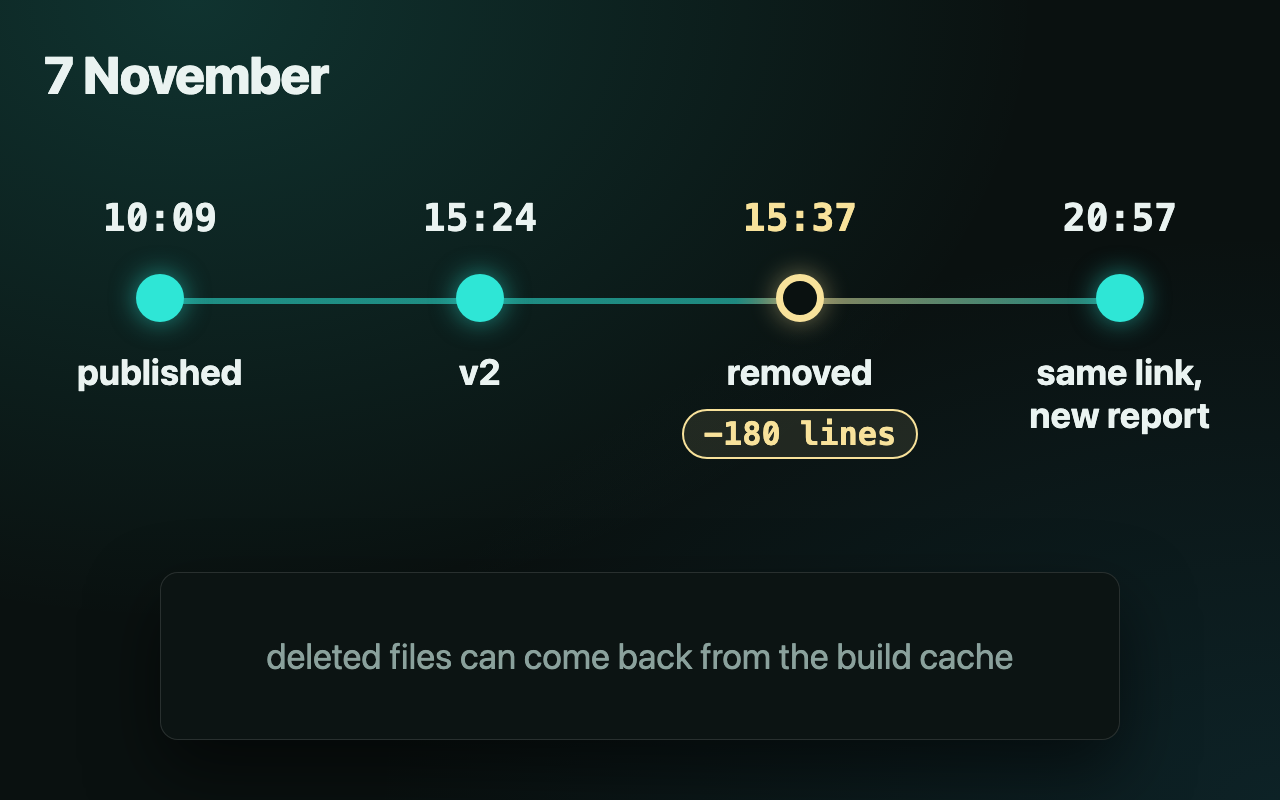
On 7 November a report example went out through the internal door at 10:09. A second version followed at 15:24, and at 15:37 I took it down again: it belonged in the client’s own folder, not mine. The door did its job, since only my own sign-in could ever open that link. The removal was one commit, 180 lines deleted. That evening the same link came back into use for a new report, which then refreshed every hour. Here is the honest part. My setup notes record that on this kind of hosting, a deleted file can come back: the build cache can put an old file into a new deployment. The sure way to kill a page is to overwrite it with a stub, or clear the cache. Two more lessons from the notes. A client folder with no Access rule is open to everyone the moment it is pushed, so the door must exist before the first page. And preview links skipped the gate until one setting was switched on. The gate catches a lot. It does not replace looking.

04 The pieces

The command, the list, the commits, the same page twice

Each picture is a mockup of a real part of the setup. Client names, addresses and the real domain are replaced with generic ones on purpose. Tap any image to enlarge it.

WHAT CHANGED

Sharing stopped being a step

Before, finishing a page meant finishing it and then working out how to get it to someone. Now the last line of the job is the share. Who is it for: me, a client, or someone I only know by email? That one word picks the folder and the sign-in, and the link comes back in the same reply as the page. Eleven times in three days, and the hardest part each time was the thinking about who should see it, which is the part that should be hard. Sharing stopped being a step. It became part of finishing the page.

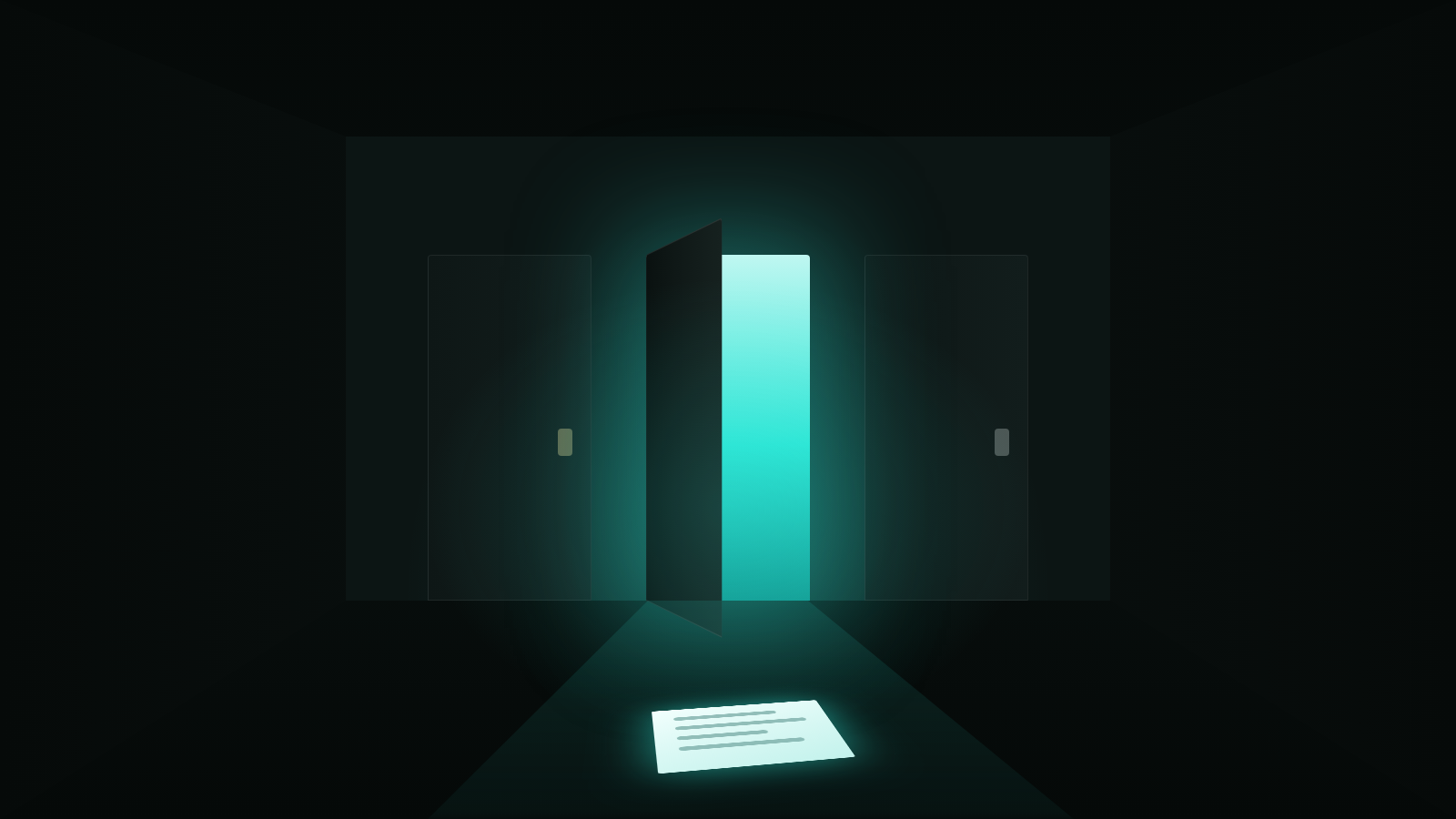
Three doors at the end of a dark corridor, one of them half open with teal light spilling out over a single sheet of paper on the floor
share repo · 11 publish commits · 2026-11-05 to 2026-11-07 · 8 internal / 1 client / 2 public · gate: Cloudflare Access
06 Steal this

Steal the three-door share setup

The idea fits any static host that can put a sign-in in front of a path. One private repo, one folder per audience, one sign-in rule per folder, and one publish script that takes the audience as a word. The rule that matters most: make the door before you put a page behind it. Everything in this episode is free and open. The code is not published yet.

skill the publish script: file in, folder by audience word, random suffix, commit, push, live check, link out cmd the doors: one Access rule per folder, Google sign-in, or a one-time email code for one-off readers template the allowlist script: add a reader to one door’s list assets the checklist: door first, then page · stub, don’t just delete · gate the preview links
run it # repo soon. The shape: /pl <file> <internal|client|public> → copy to <door>/<name>-<suffix>/ → git commit + push → host rebuilds → sign-in rule on /<door>/ checks the list (public: any address with the code) → link back in the reply