Telling Technology · Learning in public
All episodes
EP.15 — VOICE AI
A push-to-talk home AI, on my phone

I built a voice AI that lives on my phone and knows my whole life

One tap on my home screen, I talk, it talks back — and it already knows every project I'm running. Under the hood: a push-to-talk web app that installs like a real phone app, a server that routes each question by difficulty across two AI tiers, and a nightly job that keeps it current on what I'm actually building.
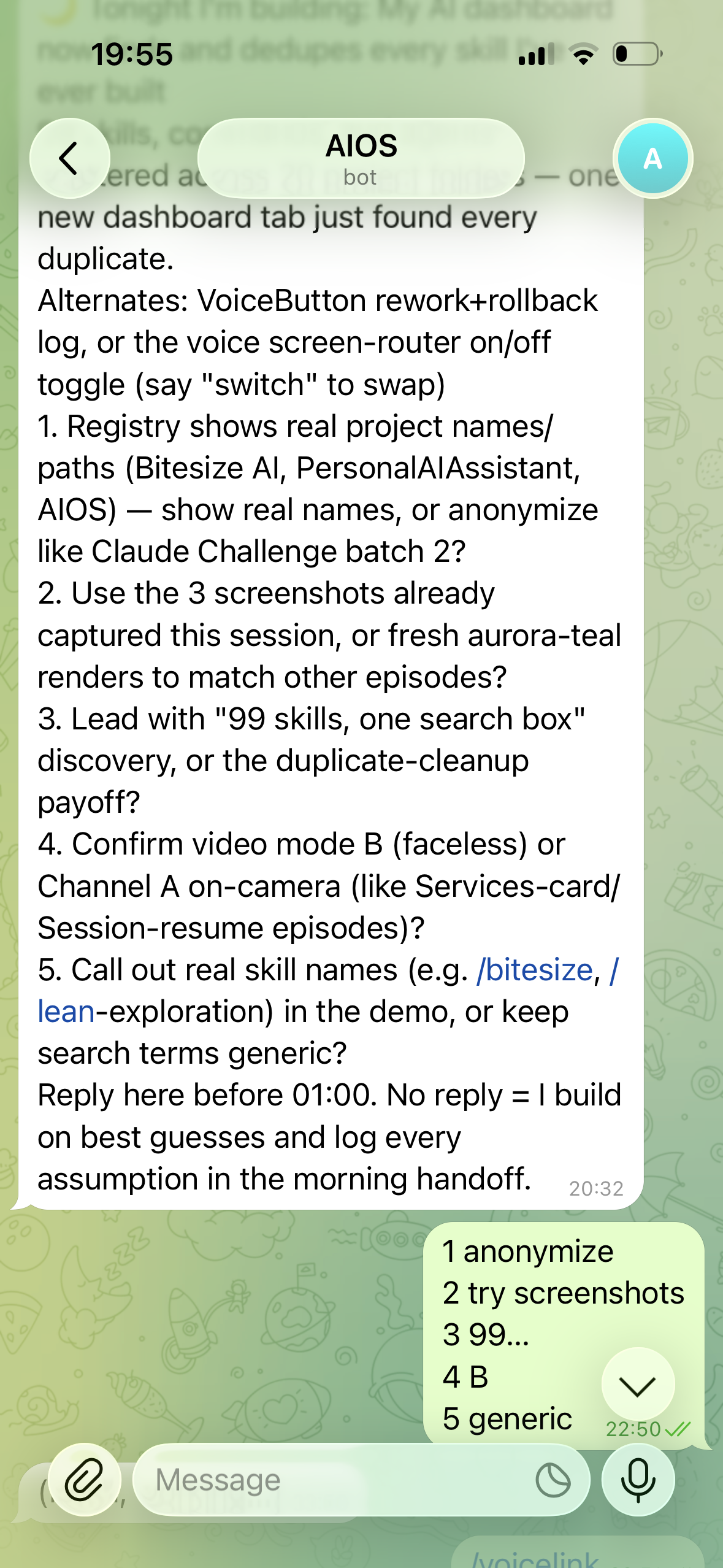
A real phone screenshot of the AIOS assistant in a chat app: a nightly build brief with numbered framing questions, answered with a short numbered reply tapped out from the phone
⌁ one tap · talks back · knows your projects
First the problem: an assistant that doesn't know your life
01 The problem · nothing knows my context

The voice assistants I own can't reach my life

Siri can set a timer, but it can't open my files, read my projects, or tell me what I shipped last night. The Claude app has no voice on my desktop. Every "smart" assistant I own is fluent and completely blind to my actual work — the repos, the blockers, the half-finished builds. I didn't want another chatbot. I wanted to tap once, ask "what am I building this week?", and hear an answer that's about my week.

claude code — desktop
> i want to tap once on my phone, talk, and have it answer out loud — and it has to actually know my projects, not just chat. siri and the claude app can't do this. where do we start?
Start with a push-to-talk web app you install to the home screen. It records on tap, streams audio to a small server you control, transcribes it, routes the question to the right AI tier, and speaks the reply back. Because it's your server, it can read a project file — so it knows your week.
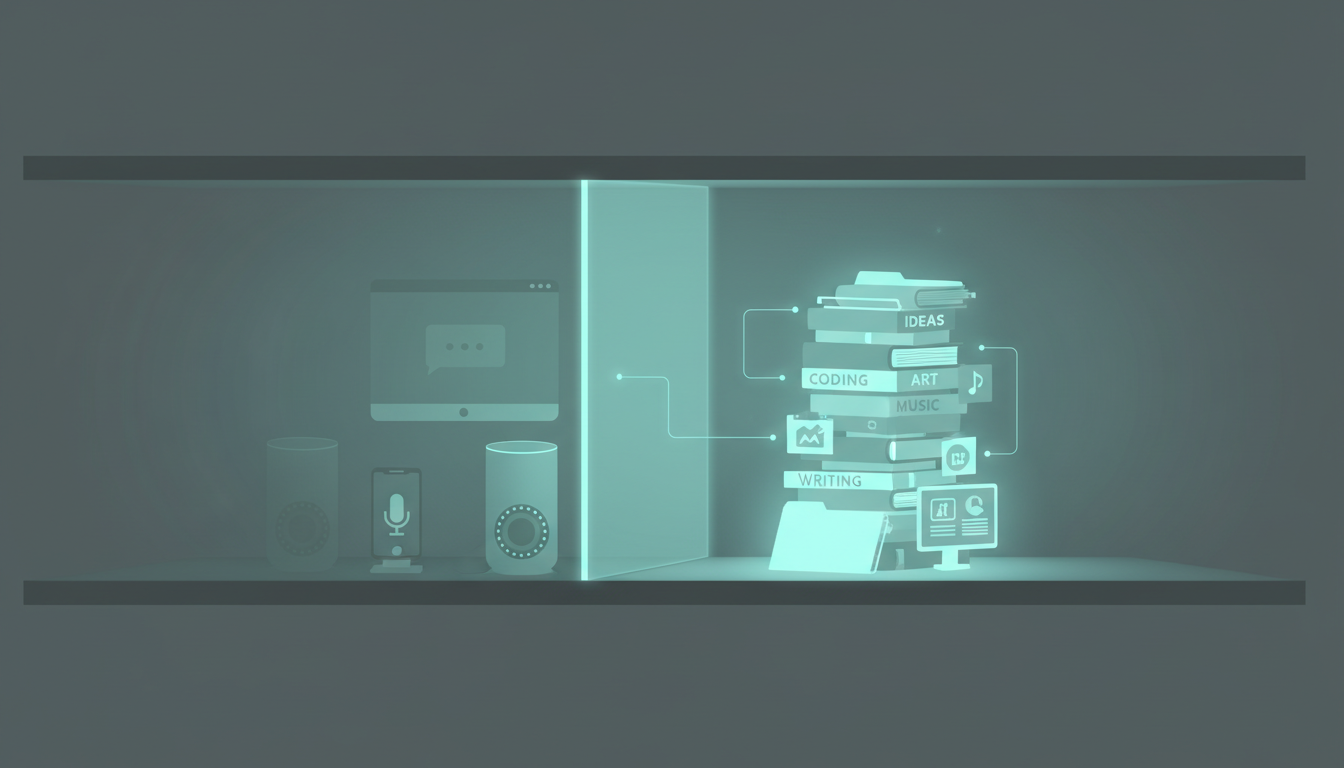
A row of generic voice assistants (a phone, a smart speaker, a desktop chat window) all greyed out and walled off from a stack of the user's real project files, house aurora-teal style
before
fluent assistants, zero awareness of my real work
02 The build · tap → transcribe → route → speak

Two AI tiers, one tap, reachable from anywhere

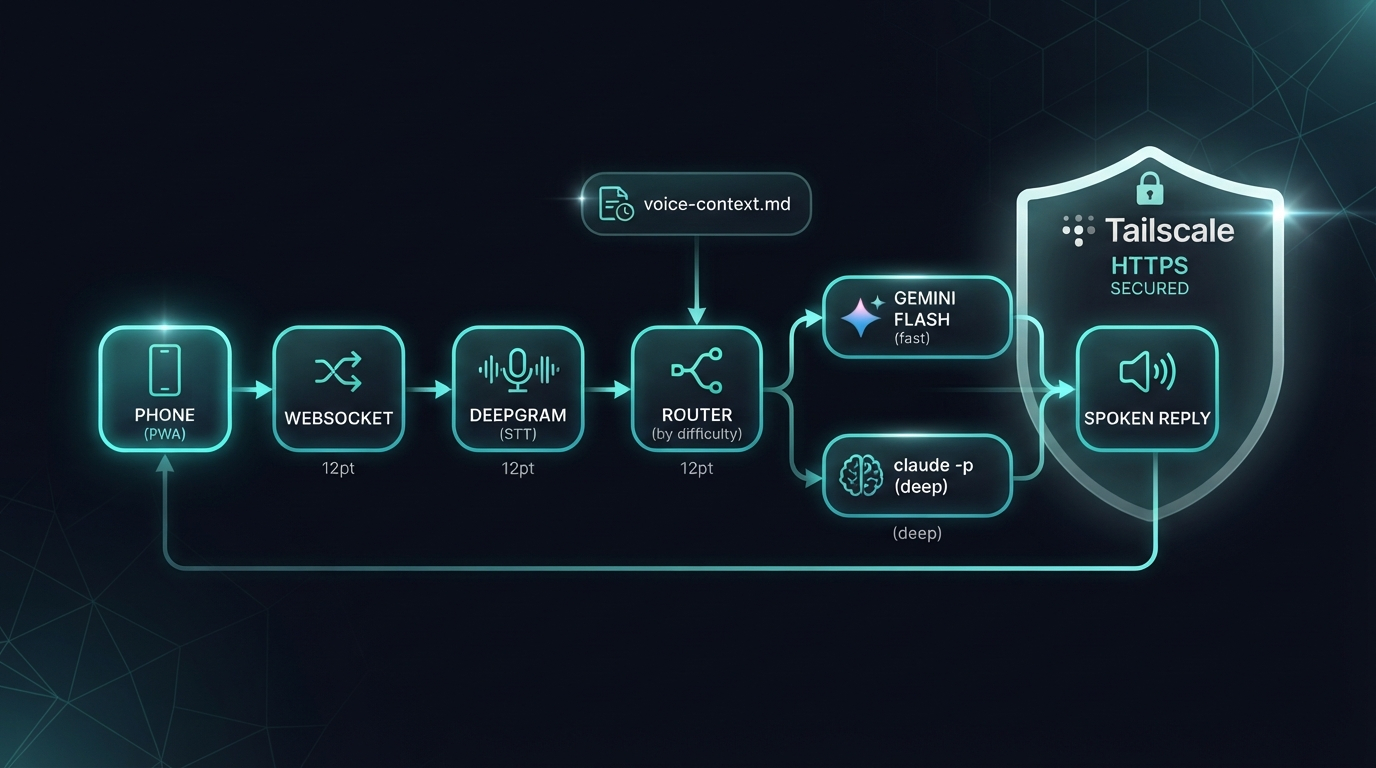
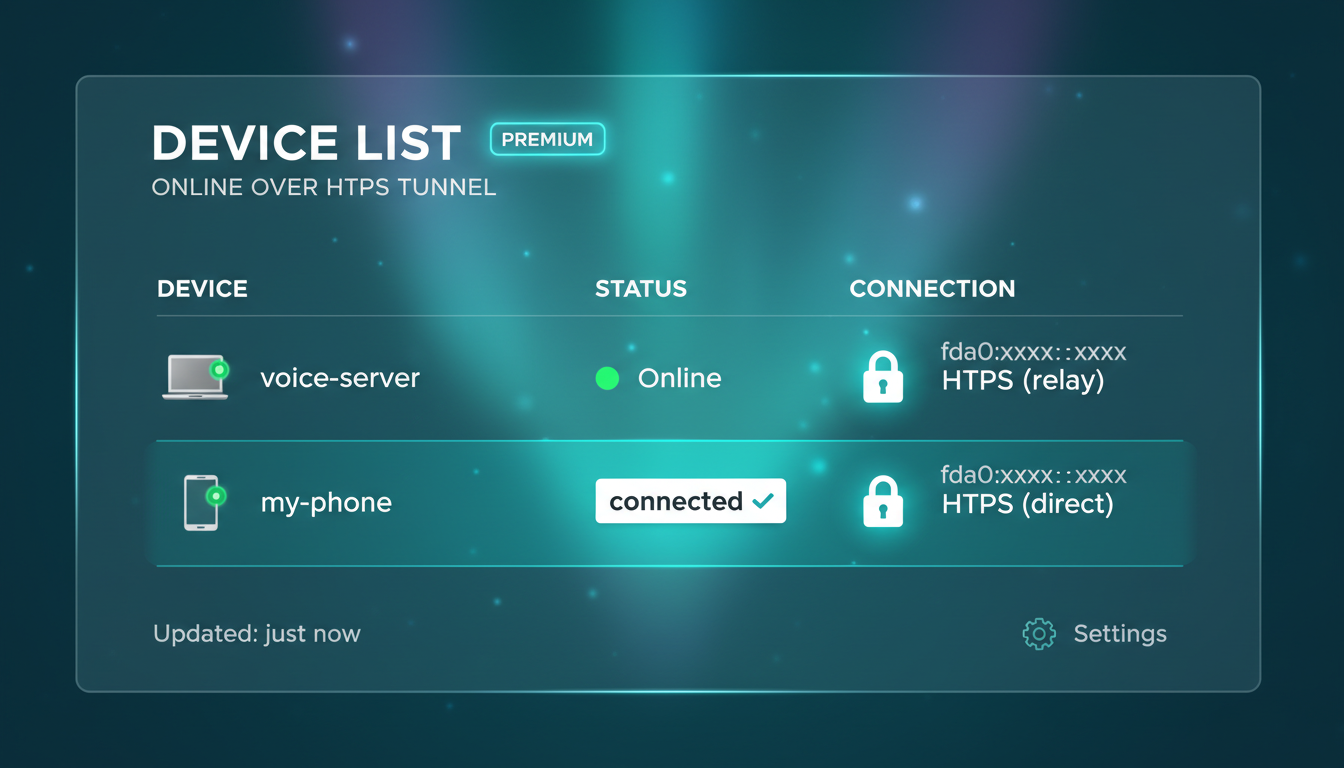
The whole thing is a chain. The push-to-talk PWA installs to my home screen like a native app. A tap streams my voice over a WebSocket to a server I run, where Deepgram turns speech to text. Then it routes by difficulty: Gemini Flash handles the quick stuff, and claude -p takes the hard questions. Tailscale wraps it all in HTTPS so my phone reaches the server from anywhere, and a nightly cron rewrites a voice-context.md so it always knows today's live projects.

the routing path
> tap → ws → deepgram stt → route(difficulty)
  easy  → gemini-flash  # fast tier
  hard  → claude -p    # deep tier
  context = voice-context.md (refreshed 01:00)
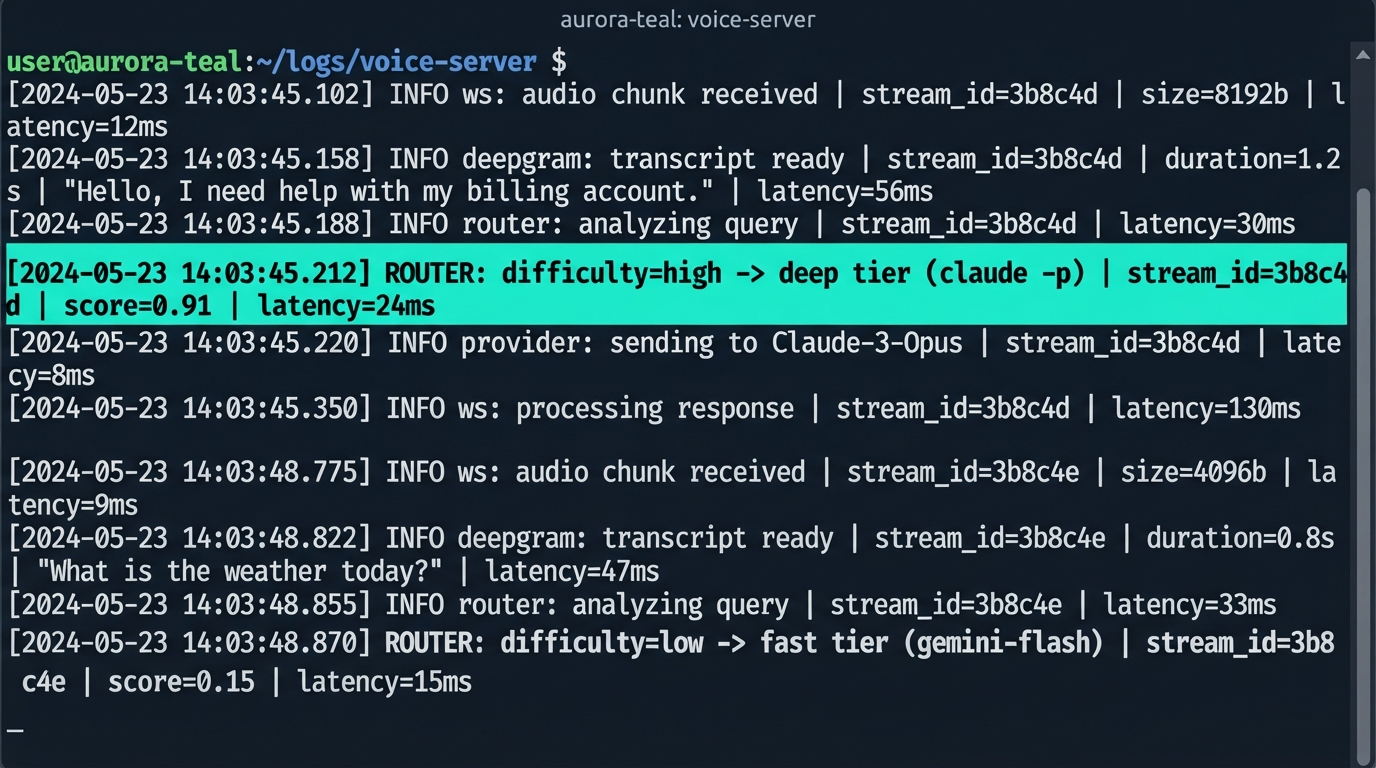
Routed "what am I building this week?" to the deep tier — it needs the project file. Pulled voice-context.md, answered with today's live projects and blockers, then spoke it back over TTS. Round trip felt like talking to someone who'd read my repo.
A horizontal architecture diagram: phone PWA to WebSocket server to Deepgram STT to a difficulty router branching to Gemini Flash (fast) and claude -p (deep), with Tailscale HTTPS around it and a nightly voice-context.md feed, house aurora-teal style
the chain
PWA → WebSocket → Deepgram → two-tier route → spoken reply
03 The honest part · the iOS bug that ate an evening

It transcribed perfectly — and refused to make a sound

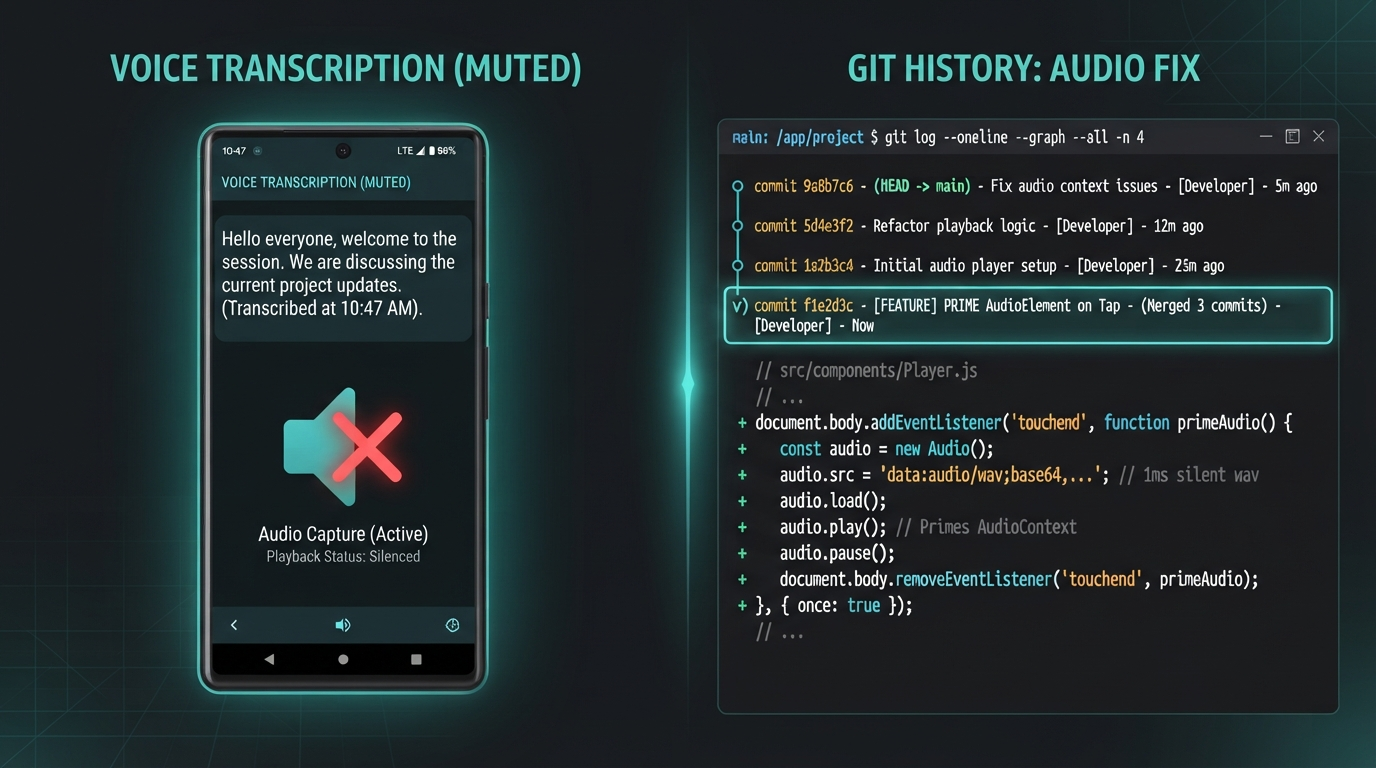
The demo worked on my laptop and died on my phone. Voice in, transcription perfect, the right answer came back — and then silence. iOS won't let a web page play audio unless the playback starts from a real user gesture, and my audio was arriving a beat later from the server, so Safari muted it every time. Three increasingly grumpy debug commits later, the fix was one line: prime a muted HTMLAudio element on the same tap that starts recording, then swap in the real audio when it lands.

claude code — desktop
> transcription is perfect but no sound plays on my iphone — works fine on desktop. what is ios doing?
Classic iOS gesture lock: AudioContext stays suspended until audio is triggered inside a user gesture. Your reply arrives async, so it's outside the tap. Fix: on the press-to-talk tap, play a silent HTMLAudio to unlock the channel, then feed it the real TTS when it returns. One line, on the tap event.
A phone screen showing a perfect transcription but a muted speaker icon with an X, beside a git log of three debug commits collapsing into a one-line fix that primes an HTMLAudio element on tap, house aurora-teal style
the bug
three debug commits → a one-line unlock on the tap
⚠️

The one-line fix only looks obvious afterwards

I lost an evening to this because every layer worked — mic, socket, transcription, the model, the TTS file. Nothing errored; it just stayed quiet. The lesson I keep relearning: when something fails silently on mobile but not desktop, suspect the platform, not your code. iOS audio policy is the usual culprit, and the gesture-unlock trick is the usual cure.

04 The receipts

The app, the server, the tunnel, and the interrupt

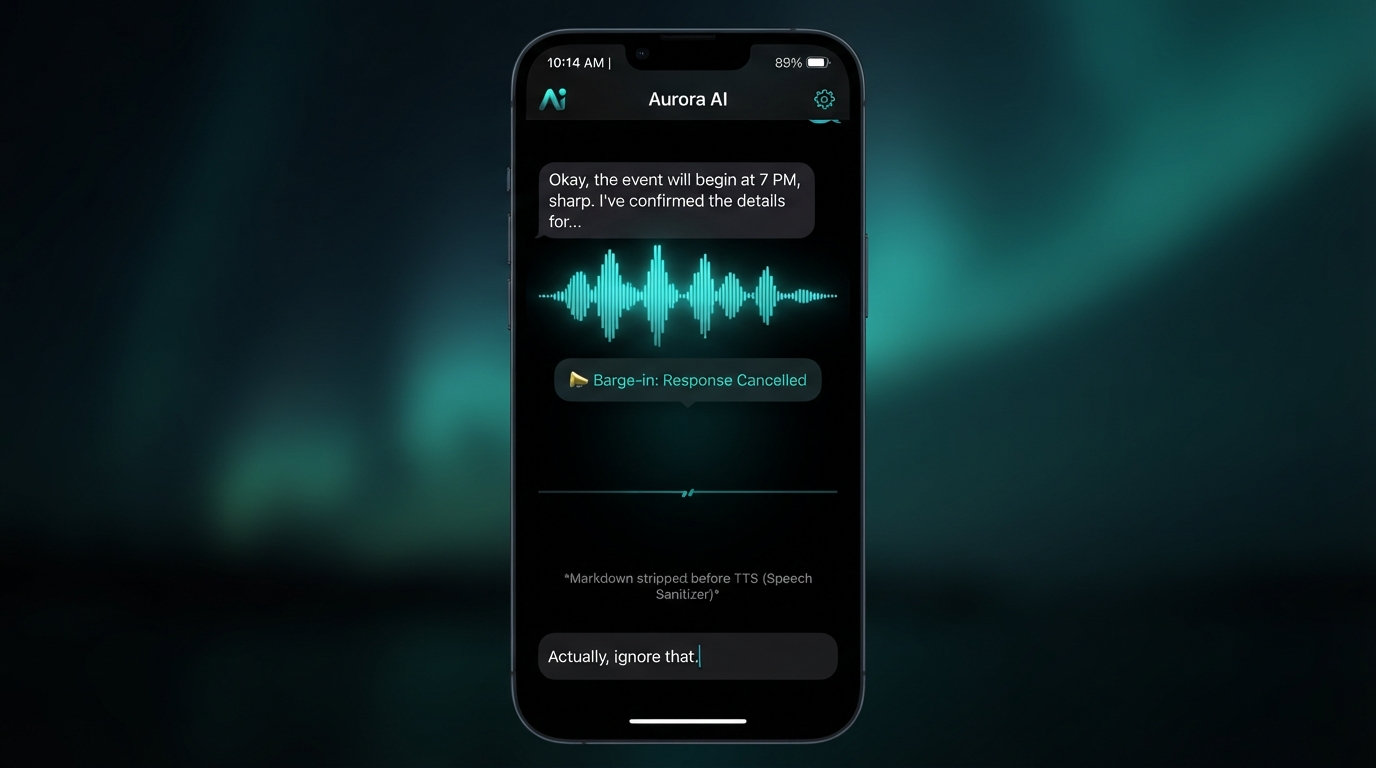
Four moments from the build: the push-to-talk app mid-conversation, the server routing one request across both tiers, the phone connected over Tailscale, and the barge-in interrupt cutting the AI off mid-sentence. Tap any image to enlarge it and read the exact prompt that drew it.

LIVE FROM MY PHONE · ONE TAP

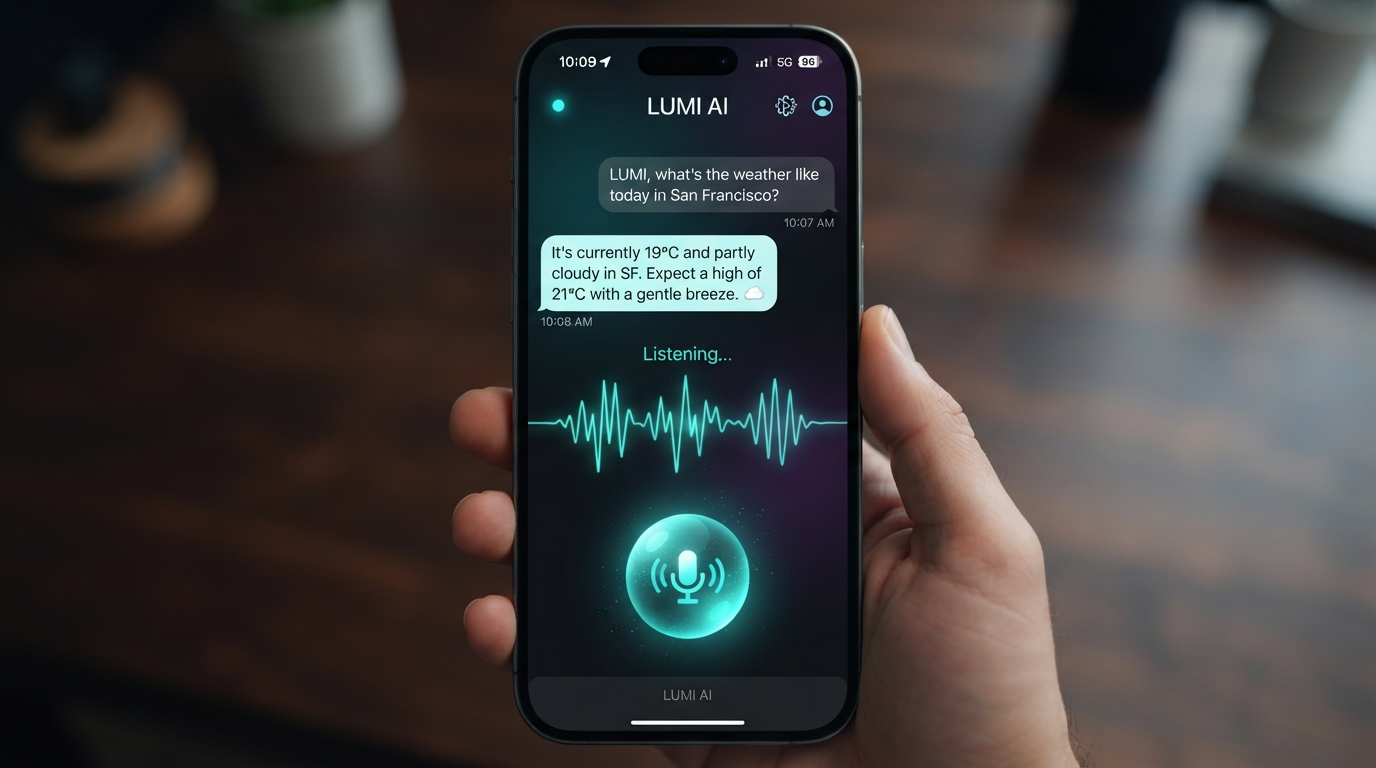
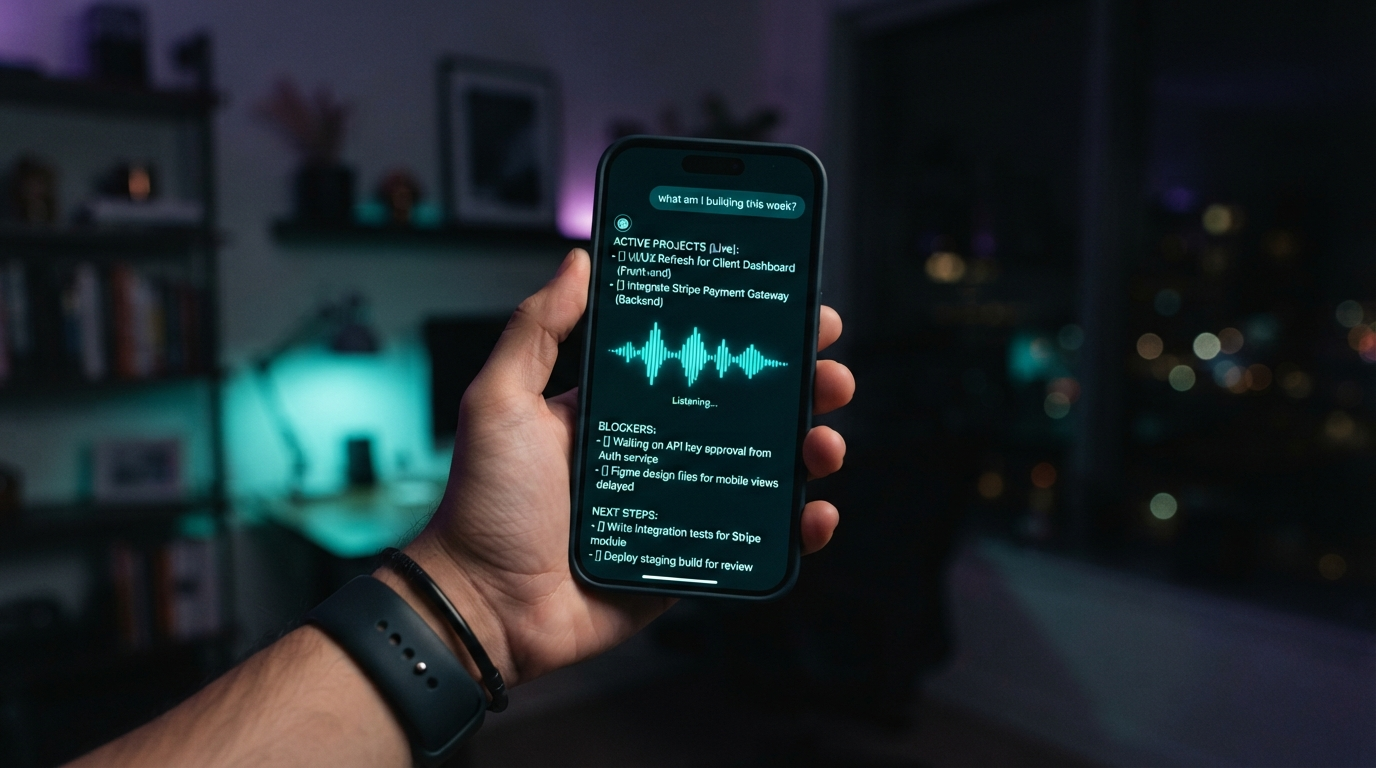
"What am I building this week?" — and it actually knows

That's the payoff. I tap once, ask out loud, and it answers with my projects — names the live builds, flags the blockers, tells me the next step — then says it back in a clean voice. No app store, no waking a laptop, no typing. The kicker writes itself: the same nightly engine that builds my episodes now also briefs the voice in my pocket on what I'm working on, every night at one in the morning.

A phone held up showing the voice AI's spoken answer to 'what am I building this week?' — a short list of the user's live projects, blockers, and next steps, with a glowing teal voice waveform, house aurora-teal style
one tap · two tiers · context refreshed nightly · spoken back over TTS
06 Steal this

Build your own pocket voice AI

The push-to-talk PWA, the WebSocket voice server, the two-tier difficulty router, and the nightly context-refresh job. Everything in this episode is free and open — clone the demo, drop in your own keys, install it to your home screen.

pwa push-to-talk app server ws + deepgram router fast / deep tier cron voice-context.md
run it gh repo clone jacobskogstrom/pocket-voice-ai ~/pocket-voice-ai && cd ~/pocket-voice-ai && cat README.md

No GitHub? Comment VOICE on the post and the bot DMs you the link.

Next episode

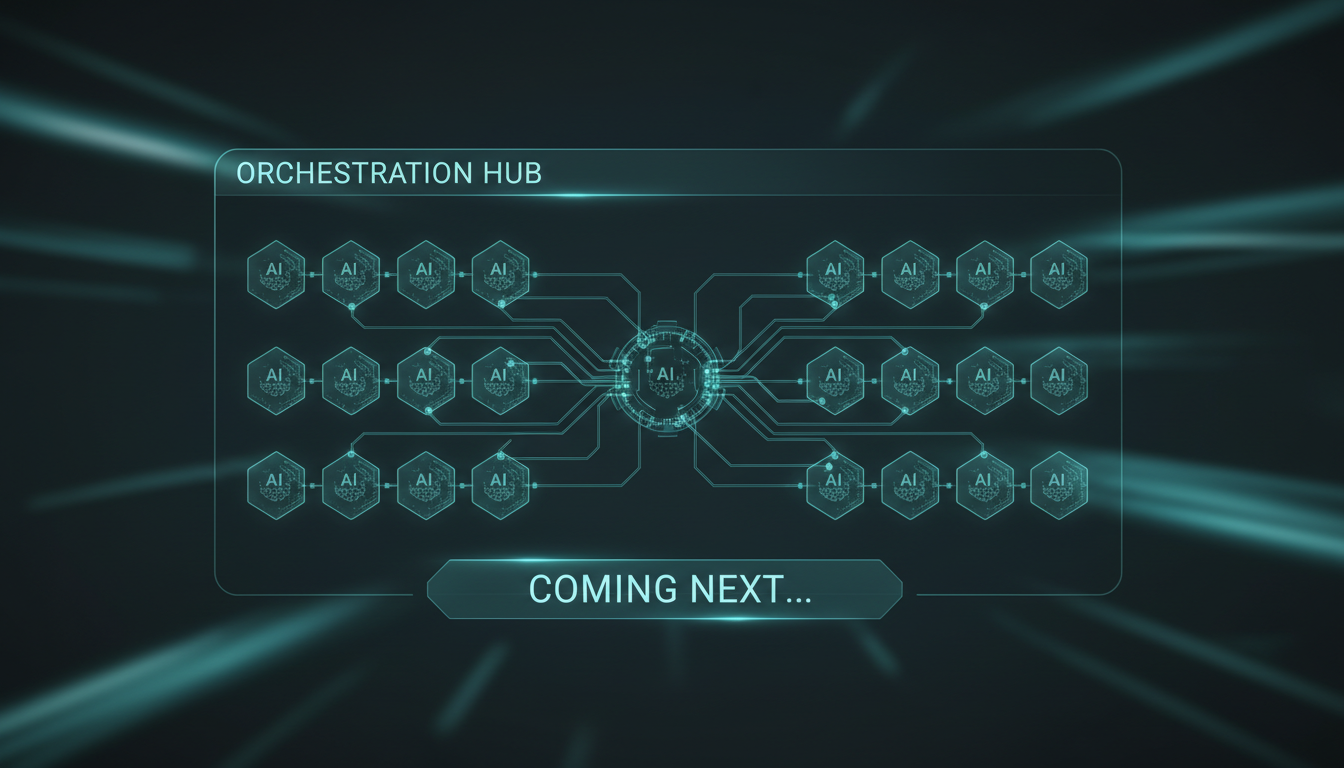
One panel to wire up every agent I run

The voice AI, the nightly engine, the cost router — they all live in different terminals right now. Next: a single control-panel tab in my AI dashboard that wires every agent together in one place, so I can see and steer the whole crew from one screen.

Darkened teaser — a single dashboard control-panel tab with rows of AI agents being wired together into one orchestration view
drops next · follow @bitesizeai so you don't miss it